

WhatsApp Team Assignments and Handover Best Practices for Busy Salons
WhatsApp team assignments and handover best practices for busy salons start with one simple rule: every open conversation needs a named owner, a next action and a deadline. Give your reception team and stylists a shared process, and clients are less likely to repeat themselves or wait while staff work out who should reply.
Key Takeaways
- Set one accountable owner. Reception can handle booking administration, while stylists or specialists answer technical service questions.
- Record the next step and due time. A conversation is not handed over until someone accepts responsibility for acting on it.
- Keep a useful handover note. Include the service, appointment details, preferences, unanswered questions and any promised follow-up.
- Check open chats at shift changes. Review unassigned, waiting and time-sensitive conversations before staff finish work.
- Keep client messages visible and appropriate. Use a shared inbox for work conversations and limit access to authorised colleagues.
- Track the outcome. Mark a follow-up complete only after the promised action has happened.
- For more practical guidance on customer conversations, browse the BryteChat business messaging articles.
Give every conversation one clear owner
Assign each new enquiry to one person who is accountable for the next reply. Reception can own general questions, booking changes and appointment confirmations; pass technical questions about colour, treatments or suitability to the stylist or specialist best placed to answer.
Route messages by service, requested staff member and branch. Let colleagues contribute when their expertise helps, but keep one named owner responsible for bringing the conversation to its next step. That gives your team clear conversation ownership instead of a vague assumption that someone else will reply.
Record the next action and when it is due alongside the owner. If the owner is away, name an on-duty replacement and tell the client who will follow up, so the change is clear to both the team and the client.
Do not leave business chats on personal phones or assume that mentioning a client in a staff group transfers responsibility. Personal accounts hide conversation history from colleagues and make it harder to pick up a request when someone is serving a client or has finished their shift.

Handle booking requests and automate only the routine
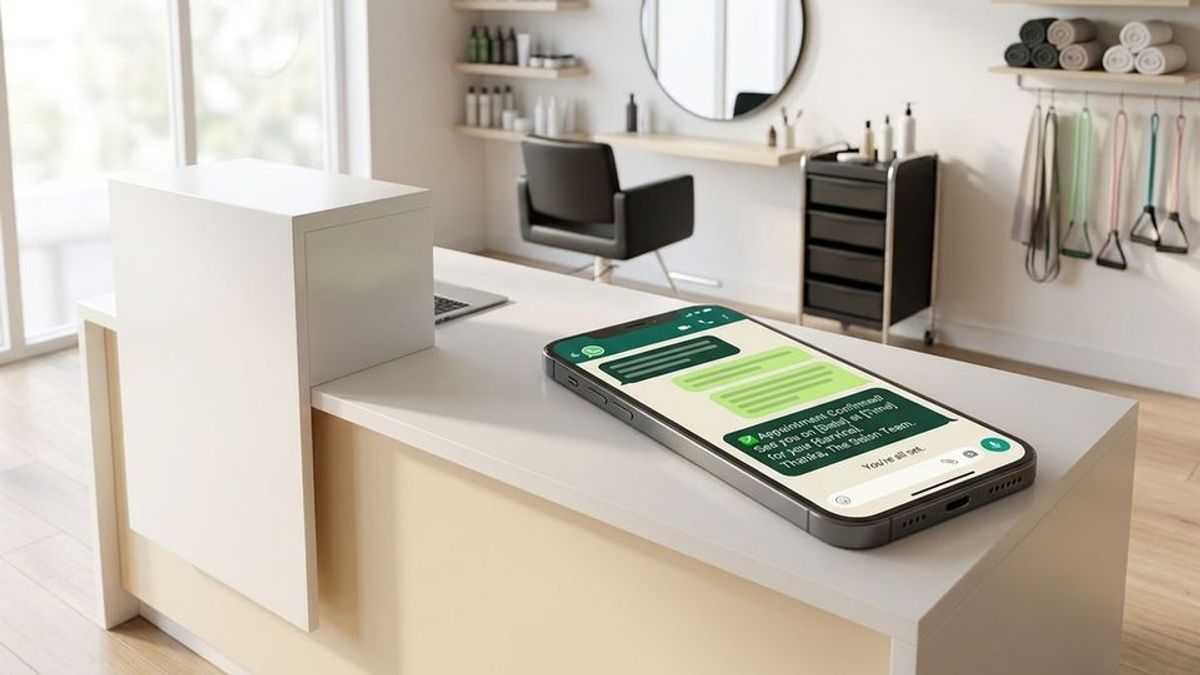
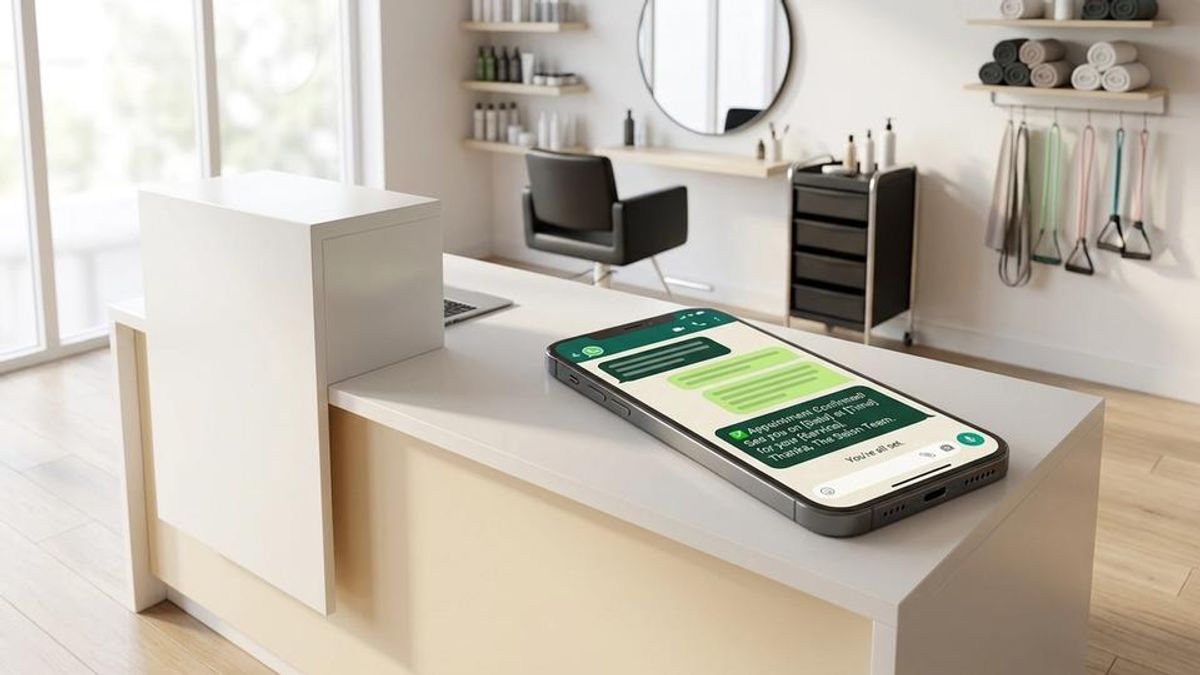
Move each booking enquiry towards a confirmed appointment by collecting the service requested, preferred stylist or branch, suitable dates and any essential appointment details. Staff should confirm the final slot in the salon’s appointment system, so the WhatsApp conversation and booking record agree.
Use an automatic acknowledgement to let clients know their message has arrived and to collect basic details. Add a clear route to reception or a specialist for appointment changes, complaints, suitability questions and anything that needs judgement. Automation should make the first step easier, not leave a client stuck with a reply that cannot solve their problem.
Keep appointment reminders and follow-ups as separate actions. Assign a person to handle replies asking to change or cancel an appointment, or raising a question about the service. A reminder that gets a response still needs an owner and a next step.
Send promotional messages only when they fit the client’s needs and consent. A routine booking reply is for handling that booking, not an excuse to add an untargeted offer. Keep client opt-in and the purpose of the message clear in your approach to WhatsApp broadcasts.

Did You Know?
The employment estimate for Hairdressers, Hairstylists, and Cosmetologists was 294,840.
Source: U.S. Bureau of Labor Statistics
Use a handover note that carries the useful context
Give the next colleague enough information to continue without asking the client to start again. Use a consistent handover note that separates what the client has confirmed from details your team still needs to check.
Handover note template:
- Service requested: What the client wants to book or ask about.
- Preferred stylist or branch: Include the client’s choice, if they have one.
- Appointment details: Date and time, if relevant, plus whether the slot is confirmed.
- Useful preferences: Relevant details that help the next colleague respond appropriately.
- Outstanding question: What still needs an answer, and who can answer it.
- Owner and next action: Name the person responsible and the action they will take.
- Due time: When the client should hear from the salon or the team should act.
Write concise, neutral notes. Record facts rather than assumptions, and avoid vague comments such as “sort this out” that force the next person to interpret what you meant.
Keep sensitive personal details to the minimum needed for the service. Put necessary context in an authorised internal note, not a broad staff group chat, where people who do not need it may see it.
A note by itself does not complete a handover. Name the new owner, state the next action, and make sure that colleague accepts responsibility for it.
Clear handovers matter in any service where one person passes responsibility to another, including patient care.
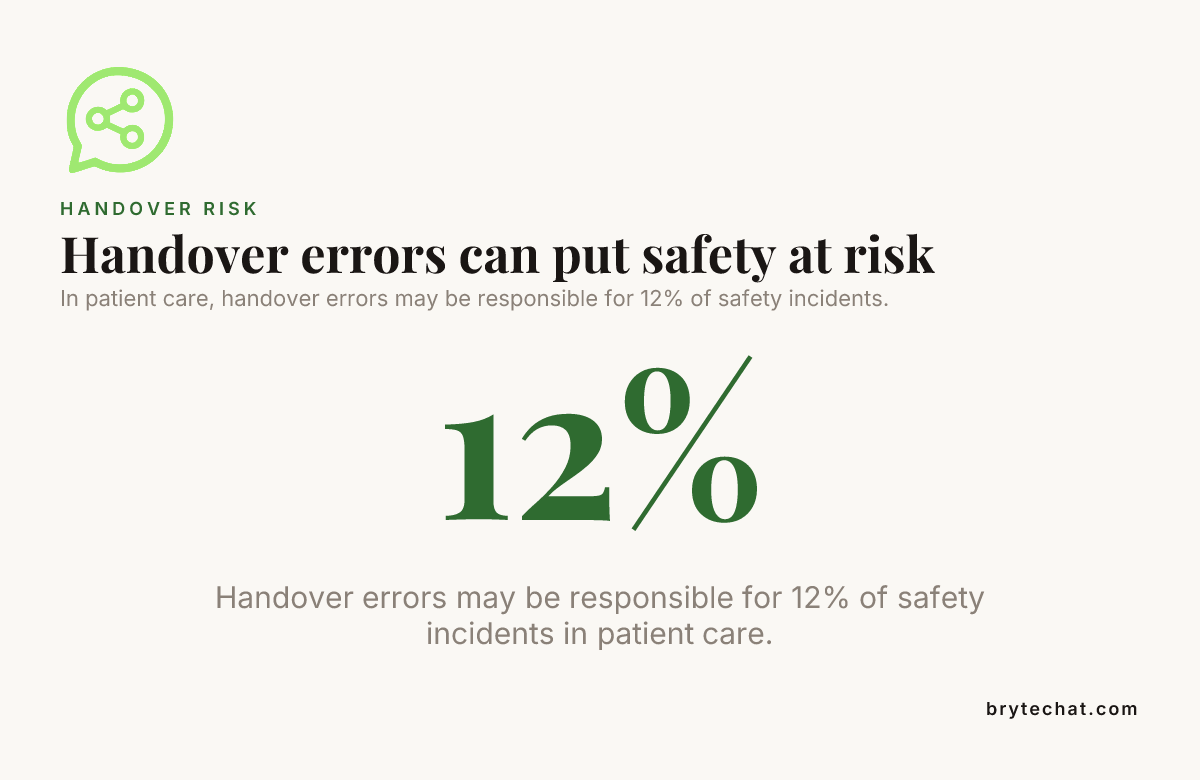
In patient care, handover errors may be responsible for 12% of safety incidents.
Make shift changes a short, repeatable check
Before finishing a shift, review unassigned chats, conversations waiting for a client and time-sensitive requests such as same-day bookings or cancellations. This quick check catches the messages most likely to be missed when the team changes over.
For every open conversation, confirm its owner, next action and due time. If the original owner will be unavailable, pass the conversation to an on-duty colleague before leaving.
Ask the receiving colleague to acknowledge the handover. Tell the client if a different person will respond, so they know who is looking after the request and do not mistake the change for a lost message.
Reassign open conversations before a colleague’s final shift or departure. Do not rely on them to check a personal account afterwards; once a staff member leaves, the rest of the team needs access to the business conversation history and a clear record of what remains to be done.
- Review: Find unassigned, waiting and time-sensitive conversations.
- Assign: Name the on-duty owner for each open request.
- Set the next step: Record the action and when it is due.
- Confirm: Get acknowledgement from the colleague taking over.
- Update the client: Explain who will reply if the contact person changes.
Keep team conversations visible and access appropriate
A shared WhatsApp inbox gives authorised reception staff and service providers one place to see conversation history and coordinate work, instead of scattering messages across personal accounts. Agree who can view and handle enquiries for each branch, then remove access promptly when someone changes role or leaves.
A basic WhatsApp Business app setup can suit a salon where one person handles messages and can reliably cover the inbox. When several receptionists, stylists or branches share replies, a shared inbox can make assignments, conversation history and handovers easier to see together. Compare options by checking for named chat assignments, internal notes, status tracking, access controls and branch routing. Most importantly, test whether staff can quickly tell who owns each conversation and what needs to happen next.
For multi-branch coordination, include the branch in the routing decision and name the receiving branch’s owner. That prevents an enquiry from sitting between locations because each team assumes the other will reply.
Keep client-specific details in the conversation or a restricted internal note. Use staff WhatsApp groups for operational updates that do not disclose unnecessary client information, not as a substitute for a private client record.
BryteChat’s Shared Inbox gives a team one WhatsApp inbox. That can help colleagues keep conversations visible as responsibility changes.
Keep access limited to colleagues who need it for their role. Set a clear branch-level routine for routing messages, and make the accountable owner visible whenever a different location takes over.
Did You Know?
10 studies were included.: Studies included in the scoping review, The review of handover between local emergency medical services and A&E
Source: Guasconi et al., Handover methods between local emergency medical services and Accident and Emergency: is there a gold standard? A scoping review
Track follow-ups through to a clear outcome
After each handover, track the agreed next step, such as answering a service question or confirming a booking. Mark it complete only after the action has happened, not just because someone has sent a quick acknowledgement.
Use simple statuses such as new, waiting for client, follow-up due and resolved. Keep “waiting for client” distinct from “waiting for the salon”; the first needs a client response, while the second needs action from your team.
Keep relevant lead history together so an authorised colleague can pick up the thread when the original owner is off shift. A useful status shows where the enquiry stands, while the conversation history explains what has already been discussed.
BryteChat’s CRM Pipeline gives teams a drag-and-drop pipeline for moving leads through stages, with a Kanban view, contact profiles, lead history and status tracking. It can help your salon organise enquiries by stage and see which conversations still need a follow-up.

Build follow-up into the salon’s daily routine, not into one person’s memory. A clear status, owner and due time help the team see what still needs attention and keep the client moving towards a useful outcome.
Frequently Asked Questions
What is the 24-hour rule for WhatsApp Business?
For businesses using the WhatsApp Business Platform, not just the WhatsApp Business app, the customer service window generally allows free-form replies for 24 hours after a customer’s message. Outside that window, businesses need to use an approved message template to contact the customer.
What are good etiquette practices for using WhatsApp with salon clients?
Keep messages brief, polite and easy to act on, and use the client’s name when you know it. Avoid sending a string of separate messages when one clear reply will do, and make it easy for the client to tell you what they need next.
What are good rules for a WhatsApp group used by salon staff?
Set a clear purpose for the group, keep operational updates focused and agree when staff should use it. Do not post client details that belong in a private conversation or authorised internal note, and move individual client matters out of the group.
What are useful WhatsApp Business features for a busy salon?
Choose tools that make ownership and follow-up clear, and agree how the team will use them before adding them to the routine.
What should a salon do with WhatsApp conversations when a stylist leaves?
Review the departing stylist’s open conversations and decide which colleague or branch should take each one. Keep the relevant business conversation history with authorised salon staff, then follow the salon’s record-retention process for information that no longer needs to remain accessible.
What are some hacks for WhatsApp Business?
Use quick replies for common booking questions, labels to track chat status, and greeting or away messages to set expectations. Agree how staff will use them.
Conclusion
Strong WhatsApp team assignments and handover best practices for busy salons come down to clear ownership, useful context and a visible next step. Assign one accountable person, record what needs to happen and when, and make shift-change checks part of the working routine.
Stop losing leads across personal phones. Keep salon conversations visible to the right colleagues, protect client details and track every follow-up through to a clear outcome.