

WhatsApp Lead Scoring for Beauty Clinics: Which Enquiries to Prioritise
WhatsApp lead scoring for beauty clinics: which enquiries to prioritise comes down to four practical signals: booking intent, service fit, timing and appointment availability. Use the same clear rules across your team, then route clinical questions to qualified staff rather than treating a sales score as a safety decision.
Key Takeaways
- Score each enquiry from 0 to 8 using four factors rated from 0 to 2.
- Prioritise a score of 6–8 for a prompt human booking response, but only when you can offer a suitable appointment.
- Ask for the service, preferred times and relevant location. Keep sensitive clinical details out of general lead-scoring records.
- Give every conversation a clear owner and a handover plan for breaks and shift changes.
- Answer the actual question, offer a useful next step and stop follow-up when the person opts out, books or resolves their enquiry.
- Measure bookings and attended appointments by score band, then adjust your rules when the results do not match your expectations.
Build a simple score around booking readiness
Lead scoring is a way to sort enquiries by the action they need next. For a beauty clinic or aesthetic clinic, use a simple 0–8 score so staff can explain why one conversation needs attention before another. Treat the weights and cutoffs as a working rule, not a proven predictor of bookings; validate them against your own booking and attendance outcomes.
Rate four factors from 0 to 2: booking intent, service fit, timing and whether you can offer a suitable appointment. Keep a brief note of each factor, so the score reflects visible booking signals rather than a staff member’s guess about someone’s value.
Factor0 points1 point2 pointsBooking intentGeneral browsingSpecific service or price questionAsks to book or names a preferred dateService fitClinic does not offer the service or it is outside stated scopeService or scope needs clarificationClinic offers the requested service within its stated scopeTimingNo timing preference or a later, undefined timeframeFlexible or approximate timingClear preferred date or near-term timeframeAppointment availabilityNo suitable option is availableAn alternative time, location or waitlist may workA suitable appointment can be offered
A price question can still signal strong intent. Give it 1 point for intent, then consider the other factors before deciding where it belongs in the queue.
Use WhatsApp activity as evidence for the existing factors, not as a separate bonus. A reply that gives a preferred time, confirms a service or asks how to book can strengthen the relevant intent or timing score; repeated customer messages seeking an appointment can signal that the conversation needs a quicker human response. A read receipt alone does not show booking intent, and silence after your message is not proof the person is unsuitable. Reassess when a new customer message changes what you know, and note the reason for any score change.
- 6–8 points: Prioritise a prompt human booking response, provided you can offer a suitable appointment.
- 3–5 points: Queue a useful answer or one focused clarifying question.
- 0–2 points: Handle as a lower-priority general enquiry, with a clear route back if the person becomes ready to book.
Keep marketing priority separate from clinical triage. Send any concern about treatment suitability, risks or another clinical matter to qualified staff, whatever the lead score says.
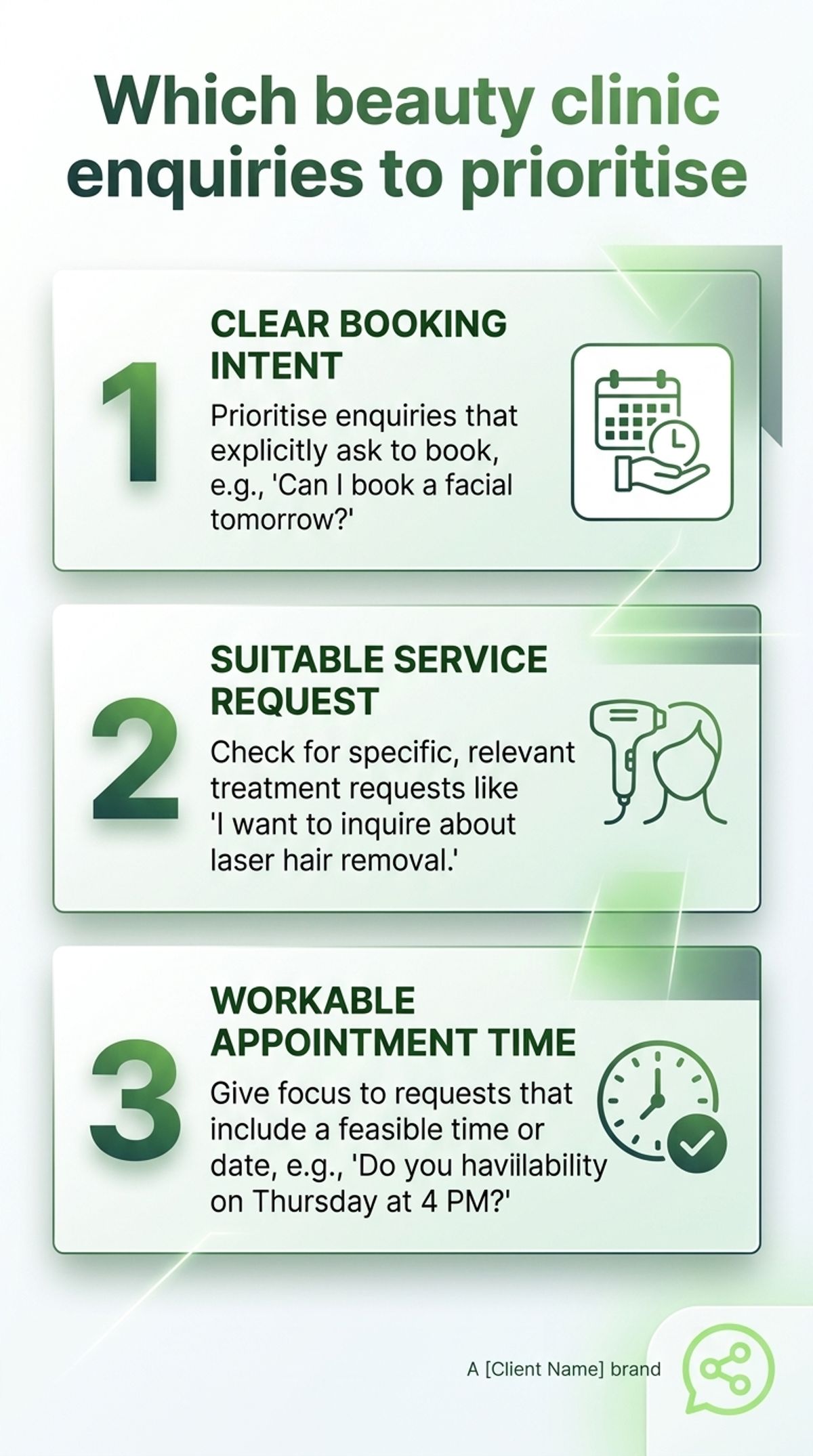
This infographic shows how beauty clinics can use WhatsApp lead scoring to decide which enquiries to prioritise. It highlights signals that help teams focus on the most promising leads.
Ask only what helps the team arrange a booking
Keep lead qualification short. Ask which service the person is enquiring about and when they would prefer an appointment, because those answers help staff judge service fit and timing without a long form.
Ask which clinic location they prefer when you have more than one. Find out whether they can consider other times if their first choice is unavailable, so the team can check realistic appointment options.
- Record the enquiry source, such as a website link, social post or referral, to compare which channels bring booking-ready conversations.
- Use the source to understand where the enquiry came from, not to infer health details or personal characteristics.
- Keep medical histories, photographs and other sensitive clinical details out of general marketing and lead-scoring records.
- Direct clinical information to the clinic’s approved process, where qualified staff can manage it.
Make your first question sound like booking support, not an interrogation. Explain why you need the detail, for example: “Which service are you interested in? I’ll use that to find the right appointment options for you.”
A WhatsApp Business or WhatsApp Business Platform conversation should help the person take the next step, not force them through a lengthy qualification script. Capture only what the booking team needs to respond and move the enquiry forward.
Route by score, appointment options and staff ownership
Give every conversation a named owner, whether that is one staff member or a defined team. Set a handover rule for breaks and shift changes, so the next person knows who will reply and nobody sends duplicate answers.
Prioritise high-scoring booking requests when staff are available, but call an enquiry booking-ready only when you can offer an appointment that fits the person’s preferences. A strong score cannot fill a slot that does not exist.
If the requested time is unavailable, offer a realistic alternative: another time, an appropriate clinic location or a waitlist. Update the appointment-availability score when the person responds, because their willingness to consider an alternative changes the next action.
Keep expressed booking urgency separate from clinical urgency. A request for an appointment soon can move up the booking queue, while a clinical concern needs review by qualified staff.
A shared inbox gives the team one place to see and manage conversations. BryteChat’s Shared WhatsApp inbox and Contacts & pipeline CRM are already live, making them relevant examples of a team inbox and CRM for keeping customer conversations and pipeline work visible.
The inbox and pipeline support different parts of the workflow: the shared inbox helps staff handle replies, while the CRM gives the team a way to keep contacts and enquiry stages together. Use clear ownership alongside those tools, so everyone knows which person or team must take the next step.
Make the first reply useful, not just automatic
An automatic acknowledgement confirms that the message arrived. It does not answer the person’s question or complete the conversation, so a staff member should follow with a relevant answer and a clear booking step.
Answer price questions directly and add the service context that helps the person understand the option. Do not mark a price enquiry as low intent simply because it asks about cost; it may be the detail the person needs before choosing a time.
Offer a concrete next action, such as choosing between available appointment times. Give the person a simple choice instead of leaving them to work out what to do next.
For questions about treatment suitability, risks or other clinical matters, make a human handoff to qualified staff. Do not use a lead score or automated reply to make a clinical judgement.
Editable suggested replies can help staff get started, but review each draft for accuracy, context and the clinic’s tone before sending it. BryteChat is a WhatsApp inbox and CRM for local businesses, including clinics, where a shared team view can help staff manage customer replies.


Did You Know?
The real lead data was generated between January 2020 and April 2024 and extracted from the company's CRM.
Source: Frontiers in Artificial Intelligence
The CRM-data note describes where the data came from; it does not show that these score weights predict bookings at a beauty clinic. Treat the model as a starting rule and test it against your own bookings and attendance.
Follow up with permission and a clear stopping point
If an enquiry goes quiet, send a brief, relevant follow-up after a reasonable interval. Take the clinic’s opening hours and the person’s last message into account, so your follow-up feels like a continuation of the conversation.
Make the message useful. Answer an outstanding question or offer the next booking step, rather than sending repeated generic nudges that add no value.
- Respect messaging permissions and any opt-out.
- Stop follow-up when the person books or resolves the enquiry.
- Record the stopping point, so another staff member does not restart contact.
- Keep promotional messages separate from replies that support an active booking enquiry, and send promotions only where the appropriate permission is in place.
Before sending a follow-up, check the conversation or clinic record for what the person agreed to receive on WhatsApp, the purpose and scope, and when and how that permission was captured. Check for any later opt-out or restriction, and record the permission context and current status where the team can see them. Keep promotional contact distinct from messages needed to progress an active booking; if permission for a promotion is unclear or withdrawn, pause it and follow the clinic’s approved process.
Set a human handoff for clinical questions and any situation an automated response cannot safely resolve. Automation should not leave someone waiting for a meaningful answer.
For a quiet lead, review the conversation at the next staffed opening after your last useful reply. If it is still unresolved, send a relevant follow-up, then pause further nudges unless the person replies or you have a specific booking update to share. If you offered appointment options, follow up at the decision point you gave them rather than sending reminders on a fixed chain.
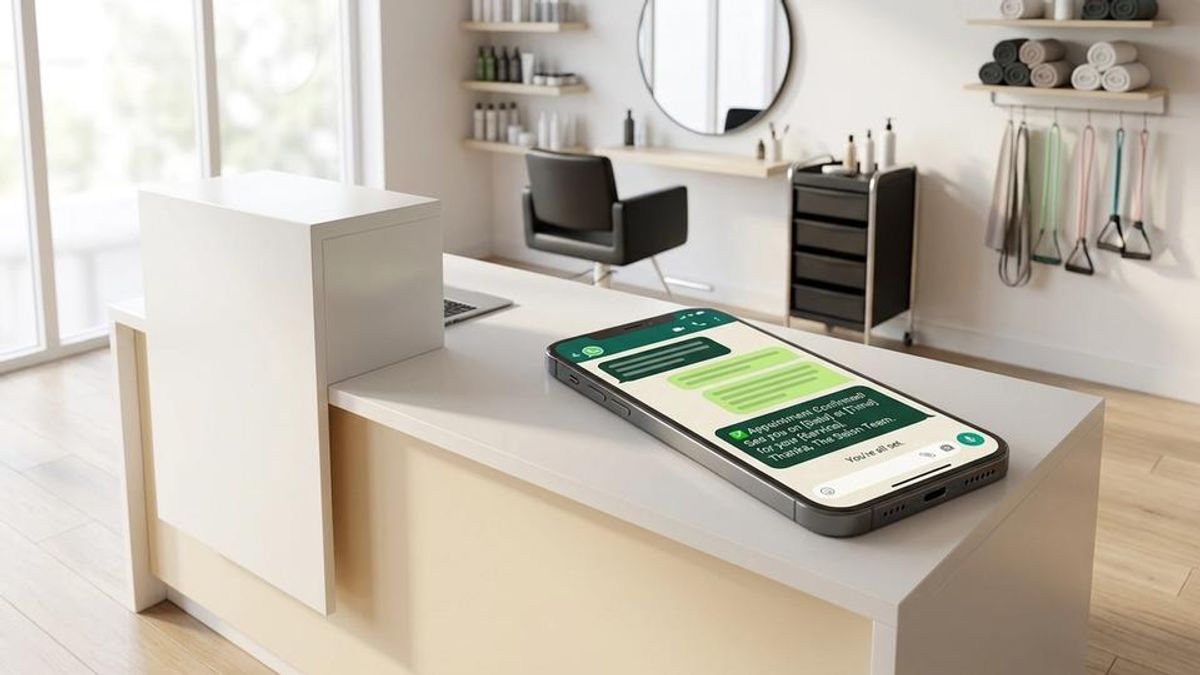
Track the journey through booking and attendance
Use the same pipeline stages across the team, so you can see where each enquiry moves or stalls:
- New enquiry: The clinic has received the message.
- Qualified: Staff have captured the basic booking details.
- Booking offered: The clinic has shared a suitable option.
- Booked: The person has confirmed an appointment.
- Attended: The appointment took place.
- Closed: The conversation has ended without an active next step.
Contacts and pipeline records help the team see stages and follow-up ownership in one workflow. BryteChat’s live Contacts & pipeline CRM is designed for that role, so staff can follow an enquiry beyond the first reply.
Review response time, booking rate and attendance rate by score band. A quick reply to a high-scoring message is not enough to prove that lead prioritisation works; check whether those enquiries actually book and attend.
If high-scored enquiries often fail to book or attend, adjust the rules instead of assuming the score identifies the best leads. Revisit the thresholds when appointment availability, treatment mix, staffing hours or enquiry sources change, because each affects which conversations your clinic can serve promptly.
Track how many conversations move from booking offered to booked, then from booked to attended. This shows whether the issue sits in the scoring rules, the appointment options or a later point in the customer journey.
Frequently Asked Questions
What does lead on WhatsApp mean?
A lead on WhatsApp is a person who starts or continues a conversation with your clinic because they may be interested in a service or appointment. The conversation becomes a booking opportunity when the person shares enough information for your team to offer a relevant next step.
How can a beauty clinic generate leads through WhatsApp?
Give people a clear route to start a conversation from places they already find your clinic, such as your website, social profiles or in-clinic materials. Make the opening prompt specific to the service or booking question they want to discuss, so the first reply has useful context.
What should a good introduction message for a clinic’s WhatsApp account say?
Try: “Hello, you’ve reached [Clinic Name]. Tell us which service you’re interested in and your preferred appointment time, and our team will help with the next step.” Add your usual reply hours so people know when to expect a personal response.
Should a clinic score existing clients and new enquiries in the same way?
Use the same booking-readiness principles, but distinguish a new enquiry from an existing client who already has a service history with your clinic. For returning clients, record whether the message concerns a new booking, a change to an existing appointment or a post-appointment query, because each needs a different route.
Can WhatsApp lead scoring be automated without removing human review?
Yes. A workflow can total the four selected scores and flag conversations for a staff member, while the team checks unclear details and corrects a score when circumstances change. Keep a record of manual changes, so you can see which scoring rules need refining.
Conclusion
WhatsApp lead scoring for beauty clinics: which enquiries to prioritise should be clear enough for every team member to use consistently. Score intent, service fit, timing and appointment availability, then pair each band with a practical next action.
Keep clinical triage with qualified staff, make conversation ownership visible and measure attended appointments as well as replies. For more practical ideas on handling customer conversations, visit the BryteChat blog.