

WhatsApp Follow-Up Sequences After Missed Calls for UK Local Businesses
WhatsApp follow-up sequences after missed calls for UK local businesses help you acknowledge a caller, understand what they need and move the conversation towards a callback or booking. Build a clear response path, protect the caller’s privacy and make sure a real person can take over.
Key Takeaways
- Get permission first. A missed call alone does not give you permission to start WhatsApp messages or send ongoing marketing.
- Make the first message useful. Identify your business, acknowledge the call and give one clear next step.
- Keep the response timely. A missed phone call alone does not start a WhatsApp conversation.
- Stop the sequence when something changes. Cancel nudges after a reply, booking, opt-out, duplicate call or staff handover.
- Keep conversations visible. Use a shared WhatsApp inbox and CRM pipeline to give your team ownership and context.
- Keep a fallback ready. If you cannot reach the caller on WhatsApp, use an appropriate callback process instead.
Why a missed call needs a considered WhatsApp reply
A missed call could be a new booking, a quick question or an urgent request. Leave the caller with no clear way to continue and they may move on to another business.
A WhatsApp missed-call follow-up should feel like a direct response to that call, not an unexpected promotion. Keep it brief, name your business and tell the caller what they can do next.
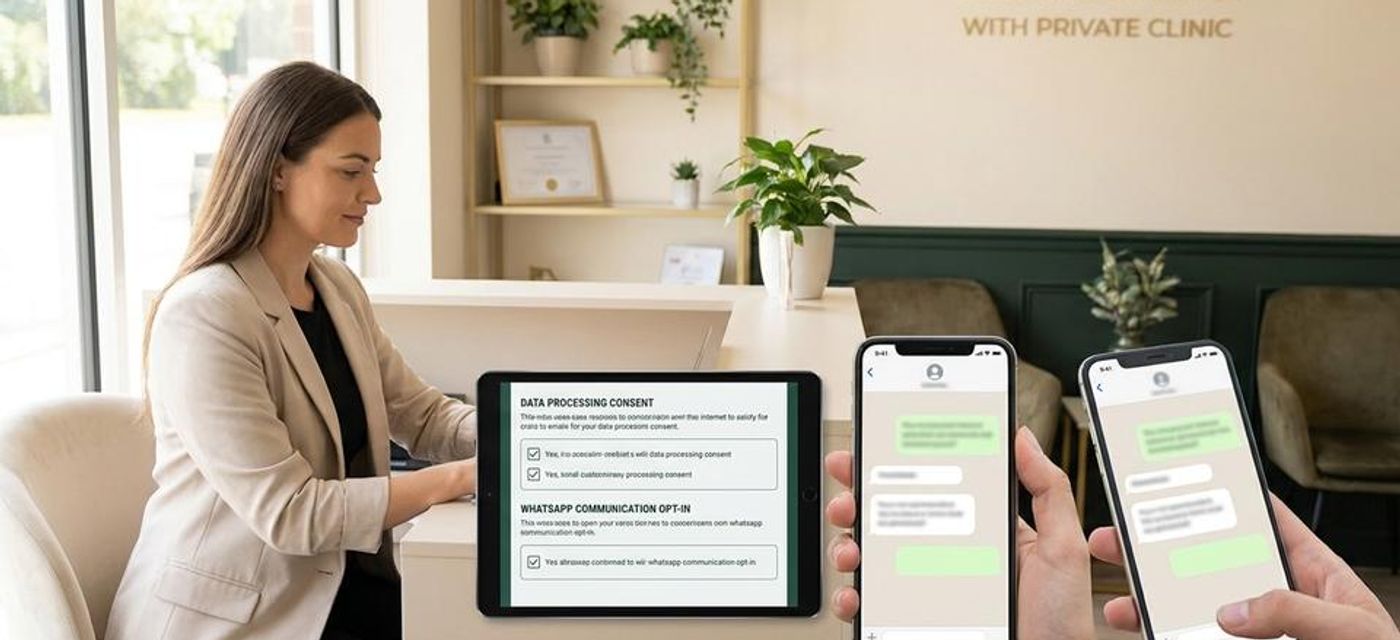
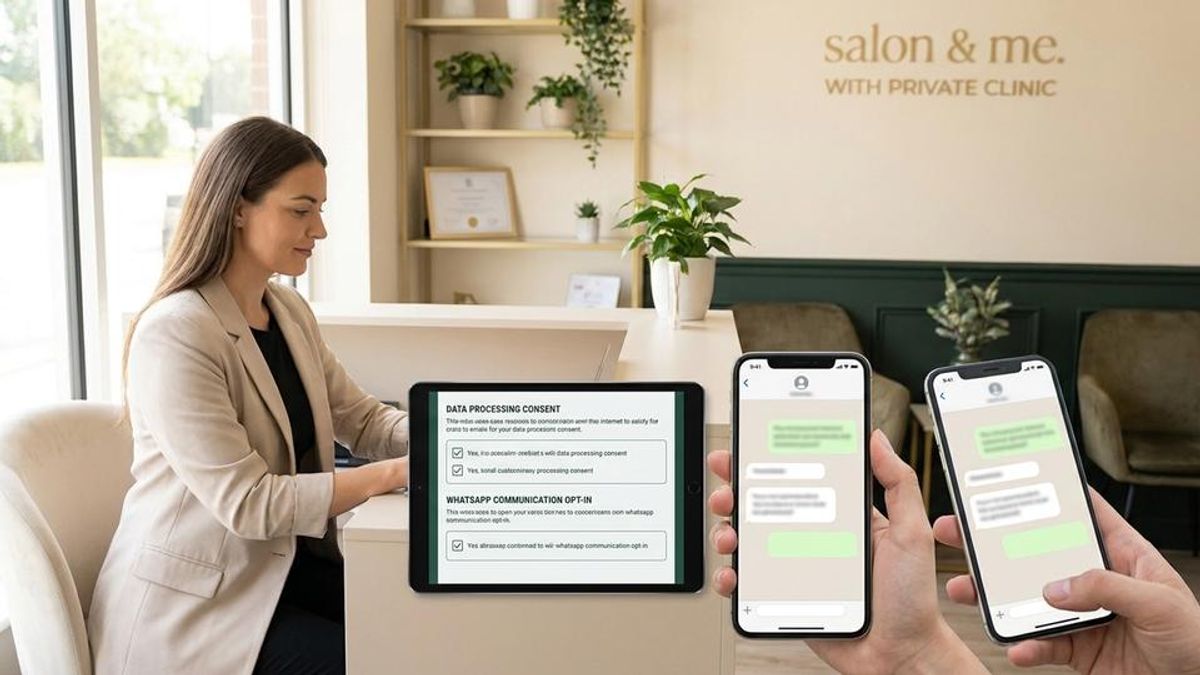
Before building an automated reply, check that you have a usable number, a suitable reason to contact the caller and permission to message them on WhatsApp. A phone call by itself does not establish WhatsApp opt-in or consent for ongoing marketing.
Check permission, privacy and the 24-hour rule
A missed phone call alone does not start a WhatsApp conversation; your follow-up should make the next step clear.
If the customer replies, respond to their enquiry and keep the conversation focused on it.
Keep the first message focused on the call. Keep a service message separate from a promotion. Treat offers, newsletters and promotional follow-ups as marketing, and only send them where you have the required permission.
Collect only what you need to respond. Explain how you use contact details, respect requests to stop and set a retention period for unanswered enquiries. Our data protection information outlines BryteChat’s approach to handling customer data.
Write a first message that earns a reply
How do you write a follow-up WhatsApp message? Say who you are, refer to the missed call and offer a simple next step. Keep the tone personal and avoid asking the caller to repeat information you already have.
Use a message template that a person would be happy to receive. For example:
Hi [Name], it’s [Business Name]. We missed your call earlier. Would you like to tell us what you need here, book a time at [booking link] or arrange a callback? If you prefer a call, reply with a time that suits you.
Use this only when you have permission to message the caller. Keep the template focused on responding to the enquiry rather than adding unrelated offers.
Give the caller one primary action, such as replying with a service name or choosing an appointment time. A booking link or callback option removes unnecessary back-and-forth; a vague message like “Sorry we missed you” does not.
Build a follow-up sequence with sensible stop rules
Start with one clear acknowledgement, then add only the follow-ups needed to resolve the original enquiry. A short missed-call follow-up sequence is easier to manage and less likely to irritate a caller than repeated automated nudges.
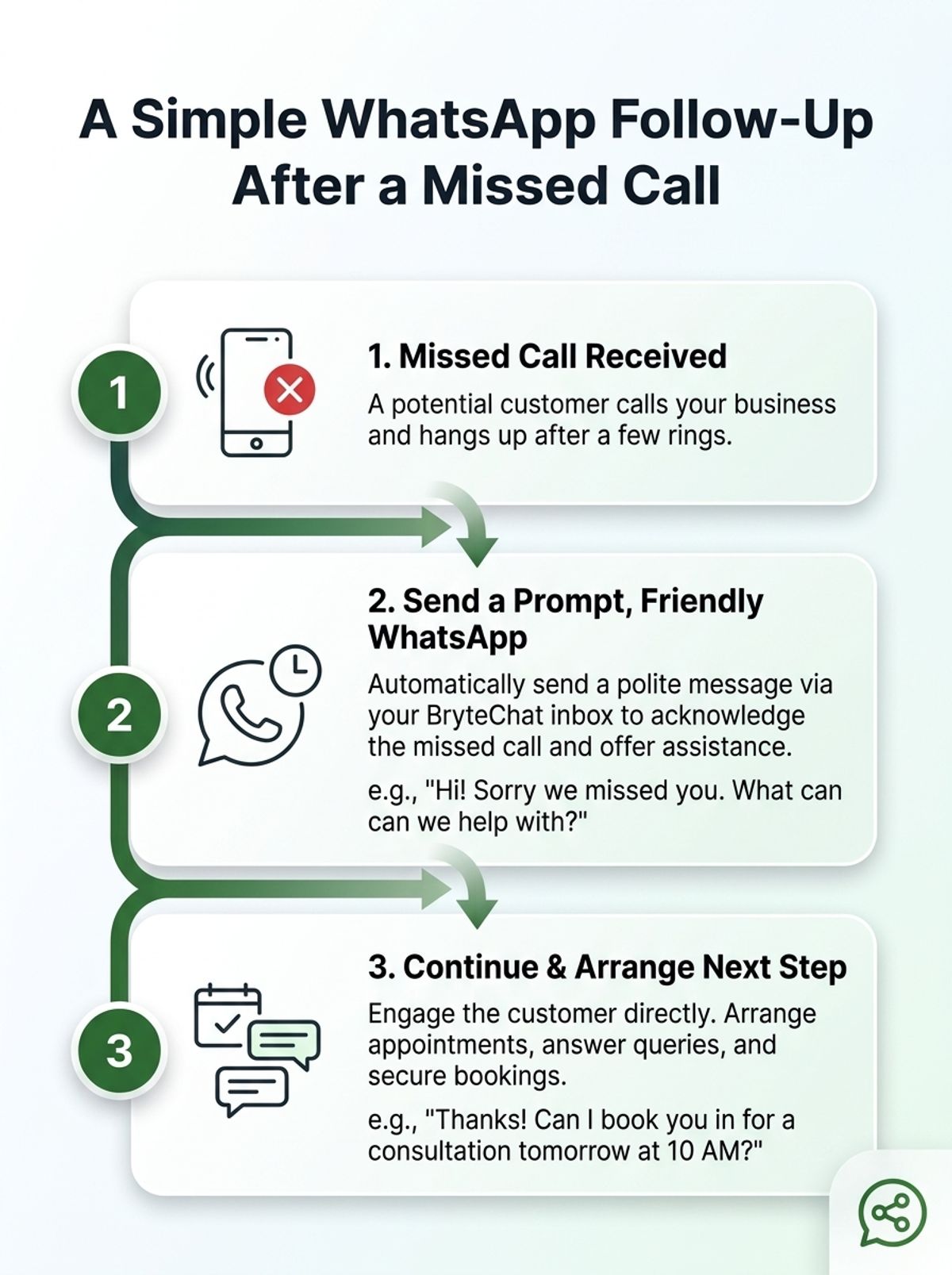
- First message: Acknowledge the missed call and offer a reply, callback or booking option. Send during opening hours where possible, unless your approved process supports an after-hours response.
- One relevant check-in: If the caller has not replied, follow up at a suitable time during the next working day. Keep it tied to their original call.
- Close the loop: If there is still no response, stop the sequence. Leave a clear record so the team can respond appropriately if the caller contacts you later.
Do not schedule the next message until you check for a reply, booking, opt-out or staff handover. A reply should cancel pending nudges and create a task for the right person.
For an urgent enquiry, send it to a human quickly and do not let an automated reply pretend to resolve it. For an after-hours call, state when the team will respond; a clinic should direct someone with a medical emergency to contact emergency services rather than wait for a WhatsApp reply.
Automate the trigger, assignment and CRM record
How can you automate WhatsApp Business messages? Connect a phone system that can identify missed calls to a workflow or integration that checks the contact, permission and stop conditions before sending a message. WhatsApp itself does not know when your phone line has missed a call.
Build the workflow in this order:
- Receive the missed-call event from your phone system.
- Check the caller’s number, WhatsApp opt-in, existing conversation and opt-out status.
- Exclude duplicate calls, answered calls and numbers the business should not contact.
- Create or update the customer record, note the call time and reason if known, then route the conversation to a team member.
- Send the approved message where permitted, record delivery status and cancel scheduled messages when the caller replies or books.
Normalise phone numbers before matching records, and route by location, service or opening hours. Keep a clear owner on every conversation, especially when staff share one business number.
Choose between WhatsApp Business and the Platform
The WhatsApp Business app may suit a small team that handles messages manually. Choose the setup that fits your need for automation, routing and CRM tools.
Choose based on the number of staff, the need for call-triggered automation and how you will assign and record conversations.
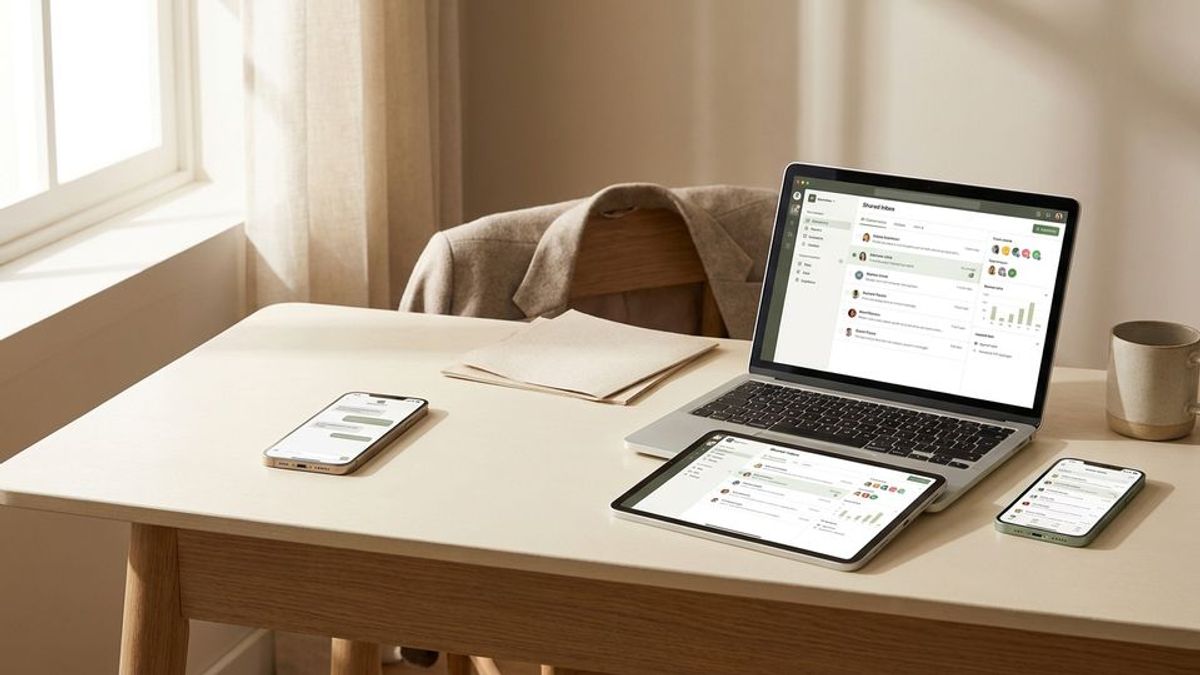
For a team, a WhatsApp inbox and CRM such as BryteChat can keep enquiries visible in one shared inbox and organise leads in a CRM pipeline. Staff can use contact history and suggested reply drafts to respond consistently; a team member reviews and sends those drafts.
Keep your technical setup honest. Connect the missed-call trigger through a suitable phone-system integration, and verify that each part of the workflow follows WhatsApp’s rules. Explore more practical advice in the BryteChat blog for local businesses.
Adapt the message to your local service
Give callers the next step that fits the business. A salon can offer a booking link, a clinic can route a non-urgent enquiry to reception, a gym can offer a callback about membership and a restaurant can ask whether the caller wants a table or takeaway information.
Use a separate route for urgent requests, out-of-hours calls and different branches. Do not ask a caller to share sensitive details in a general chat, and do not promise a response before staff are available.
Make it easy for people to start the right conversation from your website or profile. BryteChat’s free WhatsApp Link-to-Chat Builder creates a click-to-chat link with an optional pre-filled message, which can guide customers towards a booking or enquiry.

Track the results and remove friction
Measure whether your WhatsApp follow-up sequence helps callers reach the right person and complete the next step. Track eligible missed calls, successful message delivery, replies, callbacks completed, bookings and opt-outs.
Separate results by service, location, opening hours and message template. That shows where a booking link works better than a callback request, or where the team needs to respond faster.
Review wrong numbers, duplicate messages and conversations without an owner. Those are signs to improve your trigger and routing rules, not reasons to send more nudges.
Frequently Asked Questions
Can a clinic mention a patient’s treatment in a missed-call WhatsApp message?
Keep the first message neutral and do not expose sensitive health details in a notification that may appear on a shared or locked phone. Invite the caller to continue through an appropriate secure process or speak to the clinic team.
What should we do if the caller used a family member’s phone?
Do not include appointment, treatment or account details until you know you are speaking to the right person and have followed your normal identity checks. Use a neutral acknowledgement and let the caller identify themselves.
Can we WhatsApp someone whose number was withheld?
No, you cannot start a WhatsApp conversation without a usable number linked to an account. Follow your normal callback process only if the caller’s details become available and you have a suitable basis to contact them.
How long should we keep a missed-call enquiry in our CRM?
Set a retention period that matches the purpose of the enquiry and your legal or operational needs, then remove or anonymise records when you no longer need them. Keep any suppression record necessary to honour an opt-out, without retaining unrelated enquiry details indefinitely.
What if two staff members reply to the same missed-call message?
Assign one owner before anyone responds, and make ownership visible to the rest of the team. If a handover is needed, record who takes over and what the caller has already been told.
Conclusion
WhatsApp follow-up sequences after missed calls for UK local businesses work best when they start with permission, offer one useful next step and stop as soon as the caller replies or opts out. Connect the phone trigger to a clear CRM record, assign every conversation and keep a callback fallback ready.
Turn missed calls into conversations your team can manage. Keep your WhatsApp inbox visible, your message relevant and your next step easy to take.