

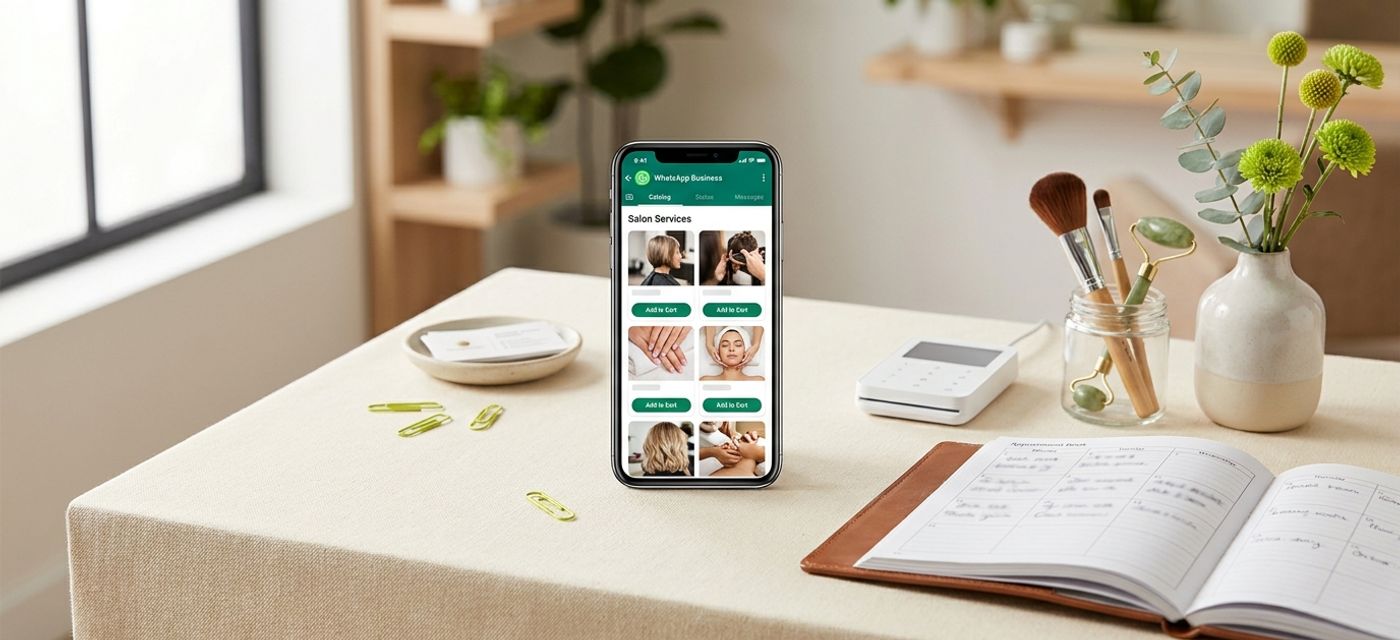
WhatsApp Business Catalog for UK Service Businesses: When It Helps Bookings
A WhatsApp Business catalog helps customers understand your services before they enquire. For UK salons, clinics, gyms and restaurants, it works best when each listing leads to a clear next step and a reliable way to confirm a booking.
Key Takeaways
- Use a catalog to present a small set of clearly defined services customers can compare.
- Keep the catalog separate from your live availability: viewing a service does not reserve an appointment.
- Tell customers what each service includes, what it costs and how to ask a question or request a booking.
- Use a booking calendar or system to check availability and record confirmed appointments.
- Start with a manual process your team can follow. Add automation only when the booking steps are clear.
- Track catalog enquiries through to confirmed appointments, not just views or messages.
- Explore BryteChat’s practical articles for local businesses for more WhatsApp guidance.
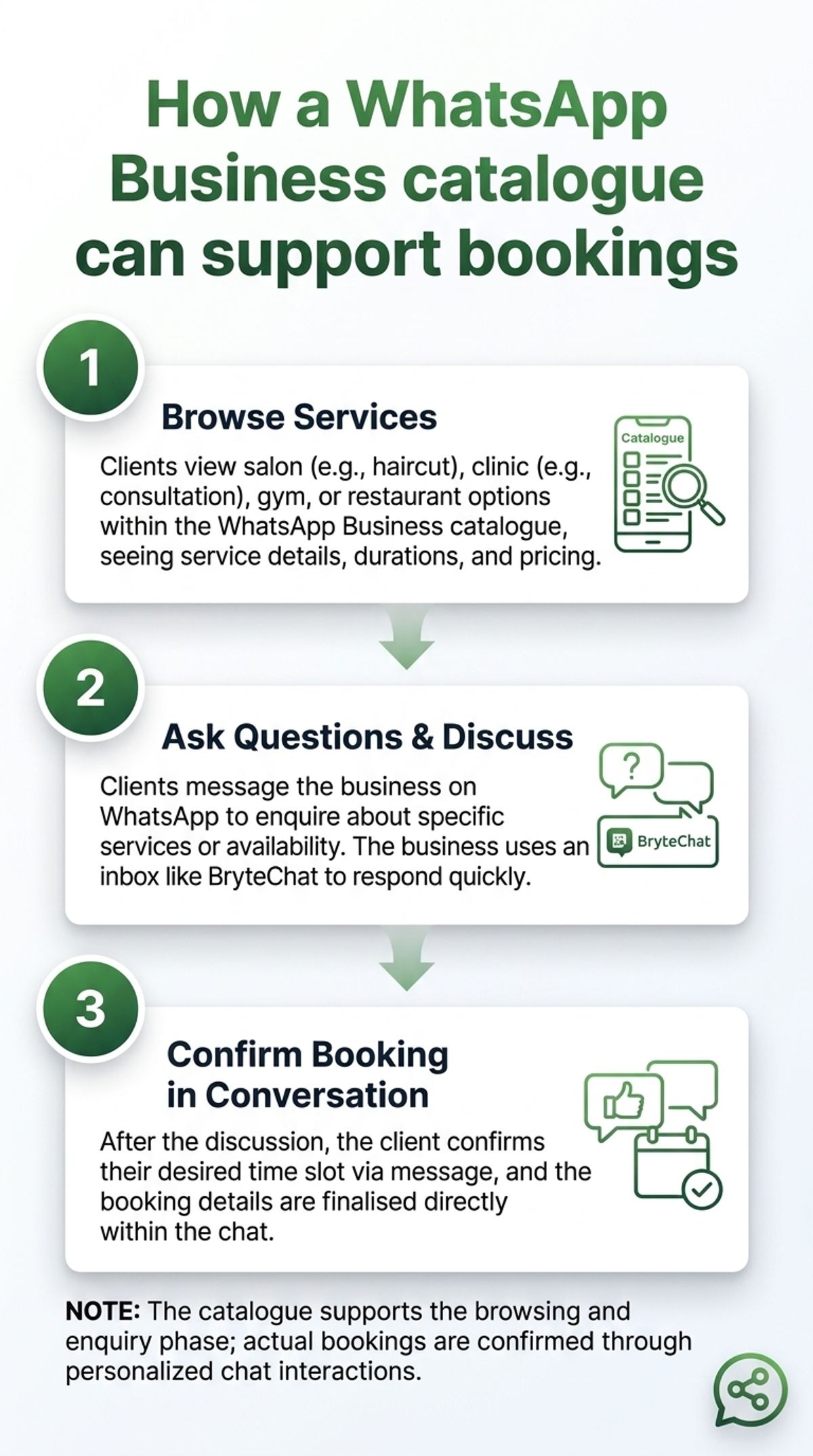
When a service catalog makes booking easier
Use a WhatsApp Business catalog when customers need to understand or compare a small set of services. A salon can show treatment options, a gym can present class types, and a clinic can explain distinct appointment types with consistent descriptions and images.
Choose repeatable services with a clear scope and price. Bespoke work, such as a renovation or a treatment plan that depends on an assessment, needs a conversation about the customer’s requirements before you can give a dependable quote.
Think of the catalog as a service showcase, not a live calendar.
Keep the three jobs clear: the catalog helps customers explore, manual chat handles questions and booking details, and an automated flow can guide the enquiry or collect information. Any flow that offers appointment availability still needs a reliable booking system behind it.
When answering a specific question, make it easy for customers to find the relevant service information.
Write listings that answer the questions customers actually have
Make every service listing specific enough to help a customer choose. Name the service plainly, explain what it includes, say who it suits and make important limits easy to spot.
Be direct about price. Say whether it is fixed, starts from a stated amount or depends on an assessment, and explain what changes the quote, such as the scope of work or the customer’s requirements.
Add practical details that affect a customer’s decision. Include the duration where it matters, the location or service area, and any preparation they need to know about before an appointment.
End with one clear next step. Invite the customer to ask a question, request a quote or use a booking link to choose an available appointment.
- Name: Use the service name customers recognise.
- Scope: Explain what the price covers and who the service is for.
- Price: State whether it is fixed, from a figure or quote-led.
- Useful context: Add duration, location and preparation details where relevant.
- Next step: Ask a question, request a quote or follow a booking link.
Keep images and descriptions aligned with the service you can actually deliver. A clear listing reduces avoidable questions and helps customers arrive in chat with a more specific request.
Make the journey from browsing to booking straightforward
For a fixed-price appointment, share the relevant listing and direct the customer to your booking page, or invite them to request a slot in chat. Confirm the appointment only after the booking system records the chosen time.
For quote-led work, ask for the details you need to assess the job, such as the service required and where it is needed. Tell the customer who will review the request and when they can expect a response.
For a service that needs an initial consultation, make that consultation the first booking step. Explain its purpose and avoid suggesting that the final service is booked before the consultation takes place.
Share one service item when the customer has already said what they need. Share the full catalog when they are still comparing options, and make the route from the listing to a question or booking request obvious.
Put a direct WhatsApp entry point on your website or social profile so customers can start the right conversation. The WhatsApp Link-to-Chat Builder creates a click-to-chat link and lets you add a pre-filled message, such as a request for a particular appointment.

Keep availability, confirmations and follow-ups reliable
Use a booking calendar or booking system as the source of truth for live availability. A catalog does not check staff capacity or hold an appointment while a customer is deciding.
Check the right staff member, service area and opening hours before offering a slot. This matters even more when bookings involve multiple people or locations.
Send a booking confirmation only after the appointment is recorded. If an automatic acknowledgement simply tells a customer you received their request, say when a person will follow up and make clear that the appointment is not yet confirmed.
Set a handover rule for every enquiry. Record who owns it, what information the customer has provided and when the team should follow up if no one has replied.
Keep reminders consistent with the booking record, even when your business also contacts customers by another channel. A clear follow-up process helps staff avoid sending conflicting times or treating an unanswered request as a confirmed appointment.

Choose between the Business app and the Platform
The WhatsApp Business app can suit a solo operator or small business that can handle enquiries manually.
The app becomes harder to manage when several staff share responsibility for bookings. Personal phones can leave the rest of the team without visibility of who replied, what the customer needs or whether someone has followed up.
A larger team may need a shared system for managing enquiries and follow-ups. It needs a connected platform or provider, rather than working as a standalone inbox.
Compare the full operating cost with the staff time and booking value the workflow is expected to save.
Build a clear manual booking process before adding API-level automation. Automation can move information and prompt follow-ups, but it cannot resolve unclear service rules or make an unreliable availability process accurate.

Keep business details, privacy and staff processes in sync
Keep your business profile, service descriptions, prices, opening hours and service areas aligned with what your team can currently provide. Update them when staffing, capacity or operating arrangements change.
Group service listings in a way customers understand, such as by treatment type, class or dining offer. A clear structure helps customers find a relevant service without scrolling through an unorganised list.
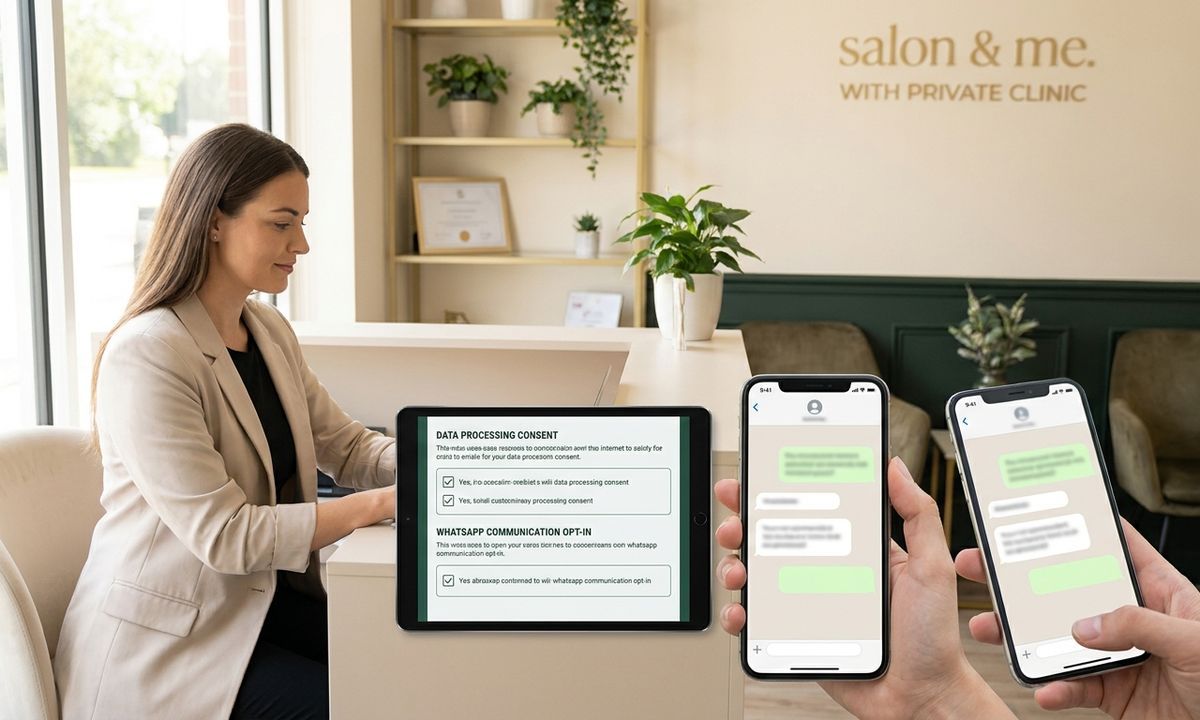
Explain why you need information requested in chat, and collect only what the enquiry or booking requires. Set staff rules for access, handovers and retention in line with your UK data-protection responsibilities.
Tell customers who will review an enquiry and who is responsible for replying. An automated message should not leave someone thinking an appointment is confirmed when a person still needs to approve it.
Measure whether catalog enquiries become appointments
Record when an enquiry starts with a catalog item, then track whether it becomes a booking request and a confirmed appointment. That separates customer browsing from outcomes that fill your diary.
Review which services prompt questions, quote requests or drop-offs. If customers repeatedly ask for the same detail, update the listing so the answer is easy to find before they message.
Compare booking outcomes with the time your team spends handling enquiries. Check for missed follow-ups and unavailable slots before adding more automation, because either can block a booking even when the listing is clear.
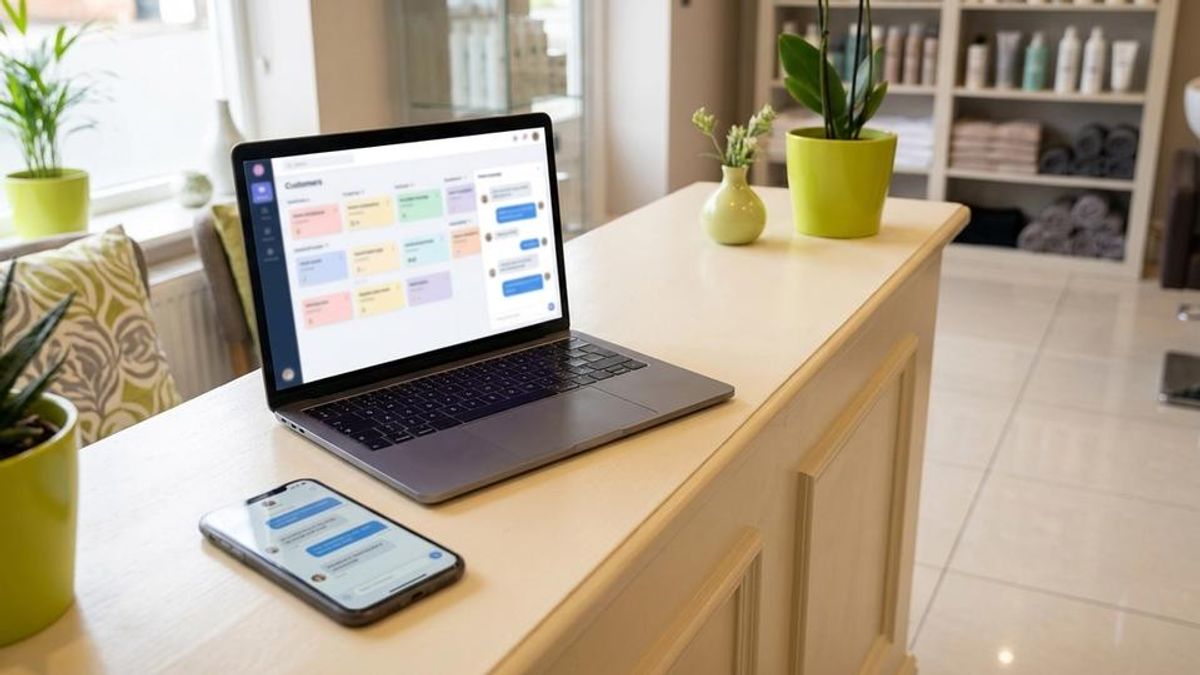
When a team needs a WhatsApp inbox and CRM such as BryteChat, a shared inbox can organise enquiries while a CRM pipeline tracks their progress. Use assignment and handover practices to give the team clearer ownership, while keeping live appointment availability in your booking system.
Frequently Asked Questions
Can customers pay a deposit for an appointment through WhatsApp?
A deposit can be part of your booking terms. Explain what it covers and set out your cancellation and refund terms before taking payment.
Can customers book from a catalog without sending a message?
Not through the catalog alone; give customers a separate booking route if you want them to book without messaging.
Can a service business use one catalog for multiple locations?
Keep each location’s service options easy to distinguish, especially where prices or menus differ.
How often should I review my WhatsApp service listings?
A quick review before a busy period can catch details that have changed since your last update.
How do I create a WhatsApp Business catalog?
Plan which services to include and what customers need to know about each one, then add that information to your WhatsApp Business catalog.
Conclusion
A WhatsApp Business catalog for UK service businesses helps bookings when it makes services easier to understand and gives customers a clear next step. Use it to support a dependable booking process, not to replace live availability, confirmations or staff follow-up.
Keep listings accurate, make enquiry ownership visible and track each catalog-led conversation through to a confirmed appointment. Turn WhatsApp messages into booked customers by connecting useful service information with a booking process your team can trust.