

WhatsApp Business App vs WhatsApp Business API for UK Local Businesses (2026 Guide)
WhatsApp is used by more than two billion users around the world every day. For UK local businesses, that means one thing, you cannot afford slow responses, messy handovers, or leads getting stuck on someone's personal phone when you could run local business customer messaging properly.
Key Takeaways
- Quick decision — Use the WhatsApp Business app if you want simple replies, one main phone, and small team sharing. Use the WhatsApp Business API if you need automation, many conversations, and system integrations.
- Team access — The app supports one primary phone with up to four linked devices, but it still revolves around that phone. API supports shared inbox-style setups through platforms and providers.
- Automation — App has basic automation (quick replies, away messages). API enables trigger-based workflows, follow-up flows, and CRM Pipeline updates.
- Green tick and verification — Verification and green tick options are part of the "business messaging" world, but how you apply it depends on whether you use app or platform. Ask your provider what verification you can enable and what it needs.
- When to switch — Switch to API when you outgrow one inbox, need multi-user processes, or want automation that runs while you sleep.
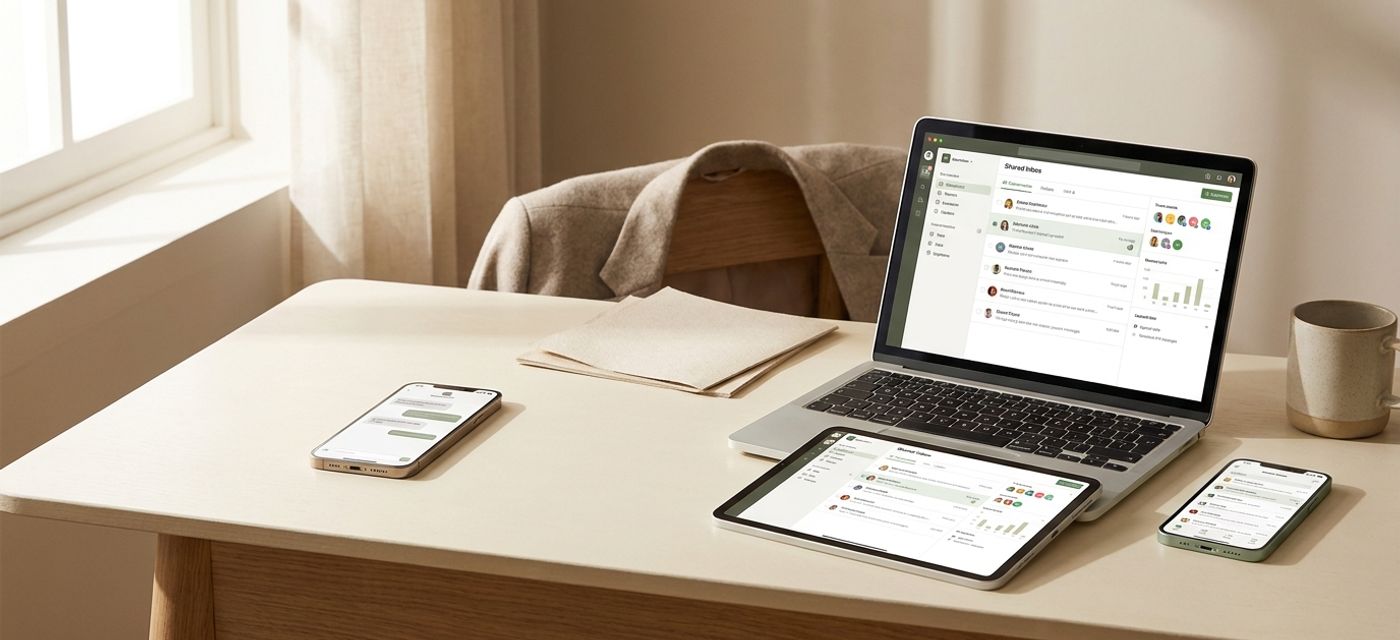
- WhatsApp CRM for local businesses — If you want one WhatsApp inbox UK-style for your team, look at WhatsApp inbox and CRM options like BryteChat at brytechat.com or read the BryteChat blog.
WhatsApp Business app vs WhatsApp Business API for UK local businesses, in plain English
WhatsApp Business app vs WhatsApp Business API for UK local businesses is the exact question we hear when teams grow, enquiries increase, and "just reply on your phone" stops working.
The app is built for individuals and small teams who want a professional WhatsApp profile, quick replies, and basic messaging tools.
The API (Business Platform) is built for businesses that need controlled messaging at scale, automation, and integrations via an approved platform or provider.
- App-first: easy setup, quick wins, fewer moving parts.
- API-first: more capability, more planning, designed for higher-volume local business customer messaging.
In the UK, the difference matters because your customers do not wait. They message, then they expect a fast response, booking link, and clear next step.
How the WhatsApp Business app works for UK salons, clinics, gyms, and restaurants
Turn WhatsApp messages into booked customers automatically, but only if you set it up so your team can actually see and respond.
The WhatsApp Business app gives you a proper business profile and practical day-to-day tools for local enquiries, like:
- Business profile with category, description, contact details, and location-style info.
- Quick replies so staff can respond consistently (prices, opening hours, booking steps).
- Away messages when you are closed or offline.
- Labels to keep conversations organised, a lightweight approach compared to a full CRM Pipeline.
- Multi-device support so you can link the account across devices for coverage.
Multi-user access and the "personal phone" problem
One WhatsApp inbox UK style matters because staff do not naturally behave like a shared team system when they use their own phones.
The WhatsApp Business app multi-device capability supports "one primary phone and up to four linked devices". That means you can reduce chaos, but it still centres on the primary phone.
- Good fit for a salon with 2 or 3 people rotating shifts.
- Not enough when you need multiple agents working different stages at the same time (for example, enquiry, qualification, booking, follow-up, review request).
This is where WhatsApp CRM for local businesses often becomes the deciding factor, because you need visibility across your team, not just one account.
How the WhatsApp Business API works for advanced automation and integrations
WhatsApp broadcasts UK-style work differently when you want control. With the API route, you can connect your messaging to systems and workflows, instead of relying on manual follow-ups.
In practice, the WhatsApp Business API (Business Platform) is used through a platform or provider so you can:
- Run trigger-based workflows that follow up so you never miss a customer again.
- Assign conversations to staff and track status in a pipeline (not a pile of chats).
- Automate booking confirmations, reminders, and aftercare messages.
- Sync customer data into your CRM Pipeline so your team does not re-ask the same questions.
- Support scale when enquiry volume rises after campaigns or seasonal demand.
For UK businesses, API is often chosen by teams that need clinic WhatsApp management, gym WhatsApp CRM workflows, or restaurant customer messaging that stays consistent across many shifts.
80% of WhatsApp messages are read in the first five minutes after receipt, with an average open rate of 98%. Source: WhatsApp Business (resource library)
Costs in 2026: WhatsApp Business app vs WhatsApp Business API for UK local businesses
The WhatsApp Business app is free to download. But "free" does not mean "free to run well", because your cost shows up as lost enquiries, slower replies, and staff doing repeat work.
The API route is different. Costs are typically message-category and token driven, and you plan around delivered-message charges plus platform fees. You pay based on message types, not just "a subscription for WhatsApp tools".
Real budgeting example for when to switch
- If your enquiry volume is low and you reply manually, the app can be enough.
- If your volume is high and you want consistent automation, API becomes a cost you can justify with booking conversion and faster follow-up.
If you are weighing WhatsApp business tools UK offers today, ask your provider for a message-volume estimate based on your booking journey, not guesses.
Green tick verification, automation, and what "approved business messaging" means in practice
Customers notice trust signals. Staff notice whether the process is easy. You need both.
The "green tick" experience and business verification options depend on how you set up your WhatsApp account through app or Business Platform. In the UK, what matters is whether your approach gives you:
- Credible business profile that customers recognise.
- Verified messaging setup that supports the automation you want.
- Compliance-friendly operations, so you do not build workflows that create customer complaints or avoidable friction.
For many local businesses, the practical question is not "can we get verified", it is "can we run automation that still feels human".
That is where a WhatsApp CRM for local businesses matters, because it blends automation with lead qualification, so customers get fast replies that also answer the right questions.
And if you want help reducing the busywork while you set up flows and replies, tools like BryteChat can support the practical side. Have a look at how BryteChat works and its shared inbox and pipeline features.
When your UK business should switch from the app to the API
WhatsApp Business app vs WhatsApp Business API for UK local businesses is not a one-time decision. It changes as your workload grows.
Switch to API when you hit these pressure points:
- Enquiry volume is high and manual follow-up fails even when staff try.
- Multiple staff members handle different steps (qualification, booking, confirmation, reminders).
- You need trigger-based workflows that run while you sleep, not "someone remembered to send it".
- You want consistent replies at scale, including tone rewrites and qualification prompts.
- You run campaigns and need controlled broadcast messaging, not ad-hoc texts.
Local examples that match real daily work
- Salon: you advertise a last-minute slot, messages spike, staff are busy, and leads fall through the cracks. An API workflow plus a WhatsApp inbox UK setup can assign leads and send confirmations immediately.
- Clinic: follow-ups after consultations matter, and you need clinic WhatsApp management with clear stages and reminders. API helps you automate the follow-up flows while staff do the clinical conversation.
- Gym: trials, membership questions, and class bookings stack up. A gym WhatsApp CRM approach keeps every enquiry visible, avoids double-booking, and sends booking confirmations quickly.
- Restaurant: people ask about dietary requirements, reservation times, and special requests. API can automate initial questions while still handing complex cases to the right person.
If your team is still starting out, the app is a solid first step. But if you keep hitting the visibility and speed wall, API is the logical next move.
Automation and workflows you can actually use (examples for UK local business)
Set up AI replies, follow-up flows, and reminders that run while you sleep. That is the real reason teams move beyond the WhatsApp Business app.
Here are concrete workflow ideas we see work for WhatsApp business tools UK readers ask about:
- Enquiry auto-triage: capture name, service, and preferred date in the first few messages.
- Lead qualification: ask 2 or 3 targeted questions, then route to the right staff member.
- Booking confirmation: send the confirmation template instantly, then prompt for location or prep instructions.
- Reminder sequence: reminder at 24 hours and again on the day, reducing no-shows.
- Review request: automatically ask for reviews after appointments and grow your reputation.
- Broadcast messaging: use WhatsApp broadcasts UK-style carefully, only when it fits consent and relevance.
In practice, these are the workflows that keep local business customer messaging fast, consistent, and trackable, instead of scattered across chats.
Where BryteChat fits naturally
If you want one WhatsApp inbox UK for your team, stop losing leads across personal phones, and track enquiries in a simple pipeline, BryteChat is built for that workflow.
We designed it to support a shared team inbox, pipeline visibility, and suggested reply drafts so you can move faster without needing to be an integration engineer.
- Start with BryteChat pricing to understand your plan options.
- Use the how it works approach to map your enquiry journey.
WhatsApp inbox UK vs WhatsApp CRM for local businesses, and why this is the real choice
Here is the trap. People compare app vs API, then they still run everything as "one phone per person".
So what you actually need is WhatsApp inbox UK that behaves like a team inbox. That is what a WhatsApp CRM for local businesses adds on top of WhatsApp.
When your team can see leads, track stage, and draft replies consistently, you stop losing leads across personal phones and you reply faster, with less stress.
Whether you start with the app or move towards the WhatsApp Business API, the outcome you want is the same:
- Shared visibility across your team.
- Lead pipeline from new enquiry to booked customer.
- Automation for follow-up flows and reminders.
For example, a salon CRM WhatsApp setup needs to manage price questions, availability, and booking confirmation. A clinic WhatsApp management setup needs structured follow-ups and clear handovers. A gym WhatsApp CRM needs trial-to-membership follow-up. A restaurant needs consistent reservation replies and dietary question handling.
WhatsApp Business messages achieve open rates of 95-98%, compared to just 20-25% for email. Source: Wizmessage blog
WhatsApp Business app vs WhatsApp Business API for UK local businesses, pricing and rollout checklist
If you want a simple rollout plan, run this checklist before you commit.
Step 1, map your enquiry journey
- What do customers ask first?
- What do you need to collect to book them?
- Who replies, and when?
Step 2, pick the right toolset
- For straightforward local business customer messaging: start with the WhatsApp Business app.
- For automation, workflow assignment, and higher volumes: plan for the WhatsApp Business API route.
Step 3, choose the right team model
Decide how you will avoid the "personal phone" problem.
- App model: one primary phone, linked devices, strict handover rules.
- API model: shared inbox and pipeline visibility through a provider, not ad-hoc chat threads.
Step 4, define what "automation" really means for you
- Auto replies for first message.
- Trigger-based follow-up flows.
- Reminders and review requests.
- Broadcast messages only when you can maintain consent and relevance.
Want to speed up the setup of WhatsApp business tools UK teams use for this? BryteChat can help you implement a WhatsApp inbox and CRM workflow faster. Start at BryteChat resources or explore more ideas via the BryteChat blog.
Conclusion
WhatsApp Business app vs WhatsApp Business API for UK local businesses comes down to this: the app gets you started fast, the API lets you run automation and integrations when you outgrow manual replies.
In 2026, the winning approach is usually a shared WhatsApp inbox UK style setup paired with a WhatsApp CRM for local businesses so your team can see leads, track a pipeline, and reply in minutes, not hours. If you want to build that quickly, BryteChat is one option we see local teams use to turn WhatsApp into booked customers, without the chaos of personal phones.
Final check. If your process works only when one person is available, you need more than the WhatsApp Business app. If you need trigger-based workflows, assignments, and follow-up flows, plan a move towards the WhatsApp Business API, then implement it with a practical shared inbox model.
Frequently Asked Questions
Is the WhatsApp Business app enough for a UK salon in 2026?
It can be enough if your enquiry volume is low and your team can reliably respond from one shared workflow. If you need appointment follow-ups, review requests, and a clear pipeline, a WhatsApp CRM for local businesses will usually help more than relying on individual chat threads.
When should a clinic switch from the WhatsApp Business app to the WhatsApp Business API?
Switch when clinic WhatsApp management becomes messy, when multiple staff handle different stages, or when you want automation that runs while you sleep. The WhatsApp Business API route is built for trigger-based workflows and consistent follow-up flows at higher volume.
How much does the WhatsApp Business API cost compared with the WhatsApp Business app?
The app is free to install, but your real costs are staff time and lost leads. The API cost model is message-category and token driven in 2026, so your spend depends on how many conversations and message types you automate.
Can I give multiple staff access with the WhatsApp Business app?
Yes, the WhatsApp Business app supports "one primary phone and up to four linked devices". That reduces fragmentation, but it still does not give you true multi-agent pipeline management like a WhatsApp inbox and CRM workflow for local teams.
What does "green tick verification" mean for WhatsApp Business in the UK?
It is part of the business verification experience and trust signals for customers. What you can enable depends on how you set up your messaging, and whether you use the app or a Business Platform approach that supports advanced business messaging.
Do WhatsApp broadcasts UK messages work better than manual messages?
They work better when you have consent, segmentation, and consistent timing. A WhatsApp CRM for local businesses also helps you avoid blasting the wrong people and keeps local business customer messaging relevant, instead of turning it into noisy outreach.