

WhatsApp Booking Confirmation Templates UK Local Businesses Actually Use
Use these WhatsApp booking confirmation templates UK local businesses can adapt for salons, clinics, gyms, restaurants and other local services. Get the booking status right, include the details customers need and make every message easy to verify.
Key Takeaways
- Say “request received” while you check availability. Use “confirmed” only when the booking is secured.
- Include the customer’s name, service or activity, date, time and business name. Add a booking reference when it helps you find the booking.
- Use clearly labelled template variables, then check each one before sending.
- Send the message when the booking reaches the right status. Keep pending payment, confirmed, rescheduled and cancelled messages distinct.
- Separate booking updates from marketing. Get and record the appropriate permission before sending promotional messages.
- Make your WhatsApp number recognisable through your usual business contact details, and give customers another way to reach you.
Make the booking status and essential details clear
Use “booking request received” until someone has checked availability. Reserve “confirmed” for a booking that is actually secured, so your message does not promise a slot the customer does not yet have.
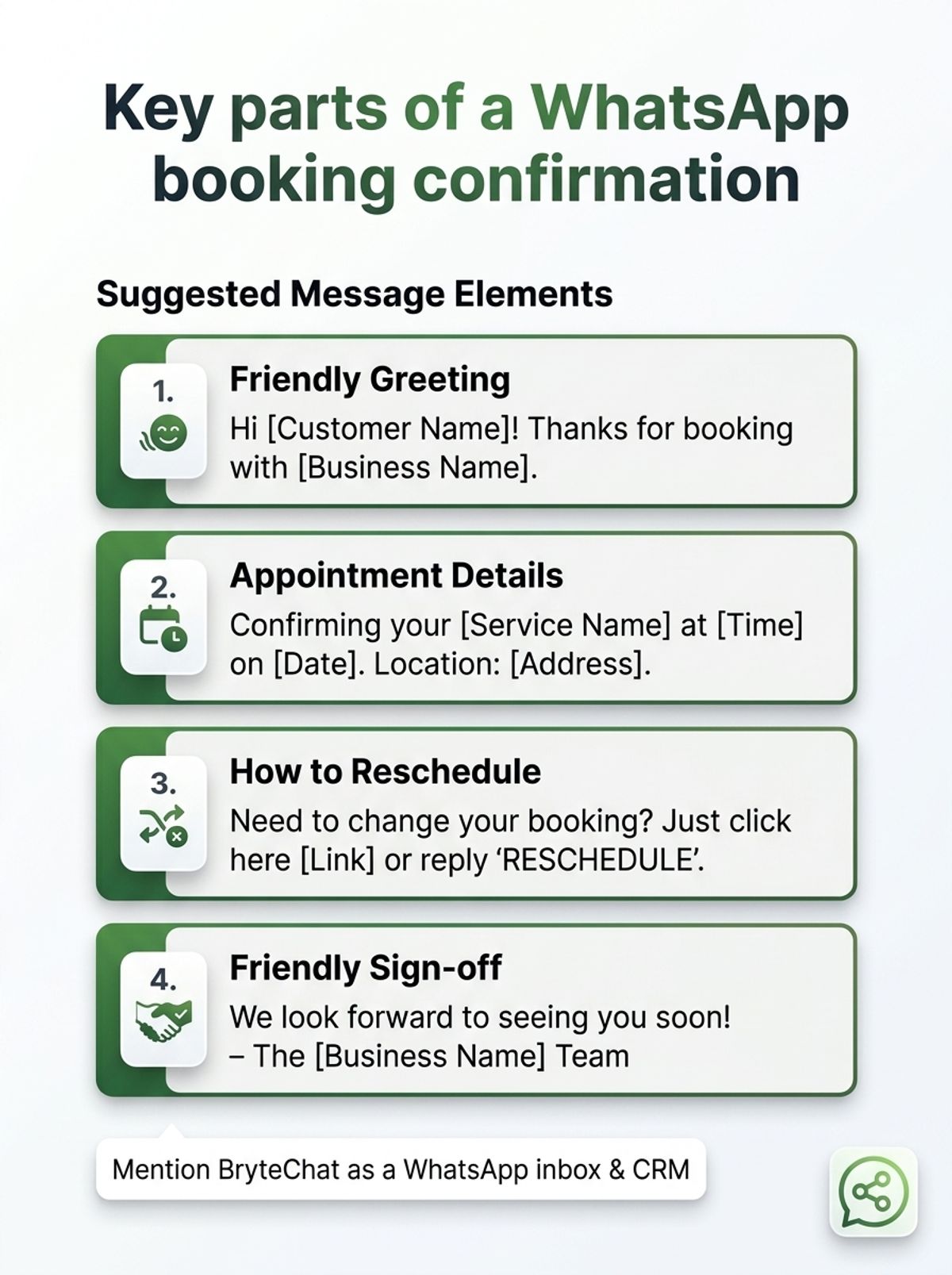
A useful WhatsApp booking confirmation tells the customer who it is for, what is booked and when it will happen. Include the business name and a booking reference if your team uses one to find or resolve bookings.
- Include: [CUSTOMER NAME], [SERVICE], [DATE], [TIME] and [BUSINESS NAME].
- Add when useful: [BOOKING REFERENCE], [ADDRESS], arrival instructions or appointment duration.
- Leave out: personal, health or payment information that the customer does not need in the chat.
Use clear template variables, such as [CUSTOMER NAME] and [TIME], rather than vague prompts that staff might miss. Before sending, check every variable against the booking record; one incorrect date or service can send a customer to the wrong place at the wrong time.
Copy-ready confirmations for appointments, classes and tables
Keep the wording natural and the booking details easy to scan. These WhatsApp booking confirmation examples are ready to adapt, but match each message to your actual booking process.
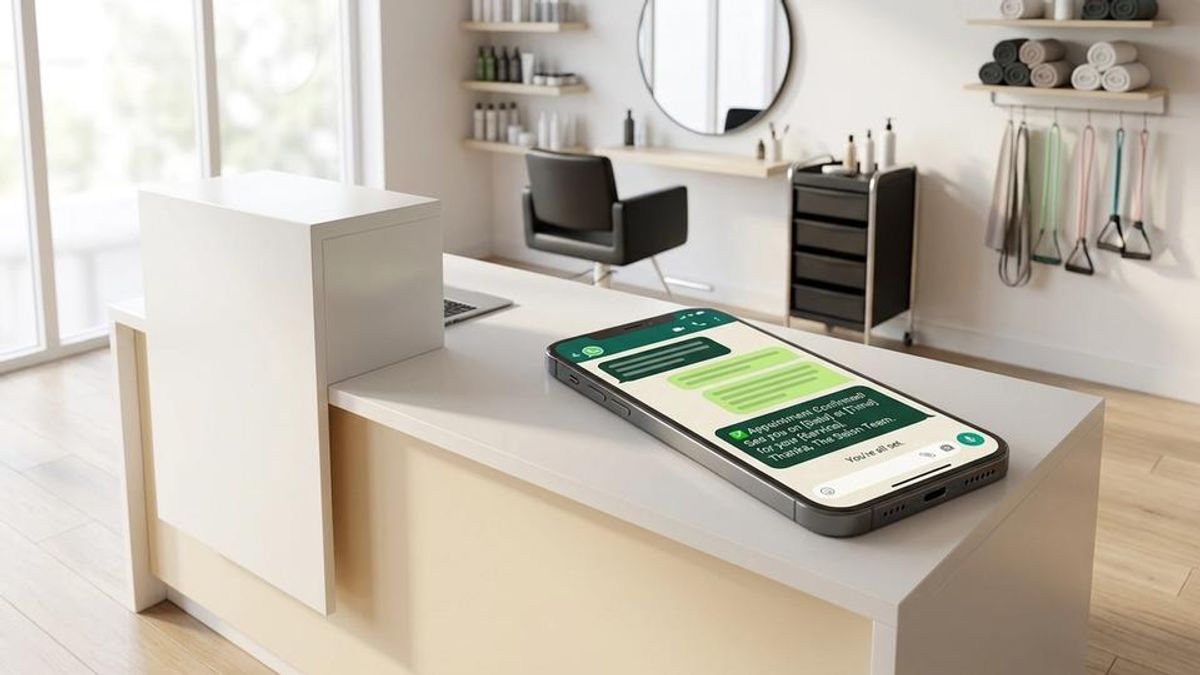
Salon or clinic appointment
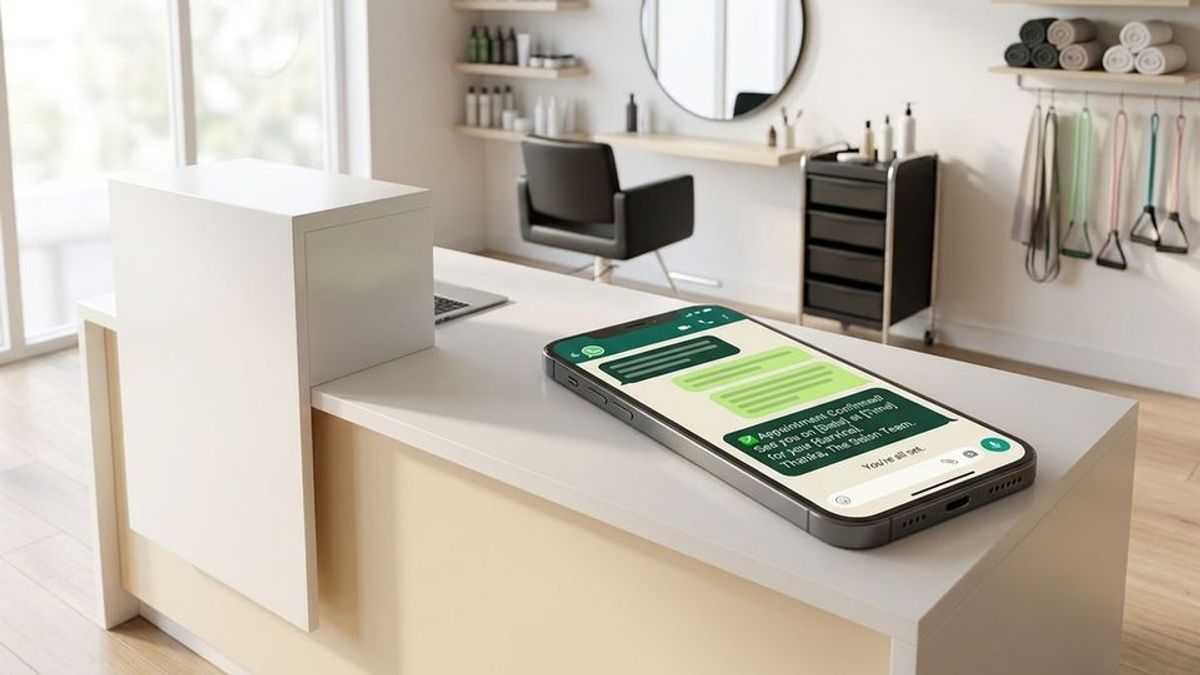
Hi [CUSTOMER NAME], your [SERVICE] appointment with [BUSINESS NAME] is confirmed for [DAY, DATE] at [TIME]. Your reference is [REFERENCE]. We’re at [ADDRESS]. Need to change anything? Reply here or call [PHONE].
This wording confirms the status, identifies the service and gives the customer a clear route to make a change. Keep the address in the message when it helps the customer prepare or find you.
Gym session or class
Hi [CUSTOMER NAME], you’re booked on [CLASS] at [TIME] on [DATE] at [VENUE]. Please arrive [ARRIVAL TIME] before the class and bring [ITEM, IF NEEDED]. Reply here if you need help.
Include arrival guidance only when it matters for that session. Leave out the item prompt when customers do not need to bring anything.
Restaurant table
Hi [CUSTOMER NAME], your table for [NUMBER OF GUESTS] at [RESTAURANT NAME] is confirmed for [DATE] at [TIME]. We’ve noted [RELEVANT REQUEST, IF APPLICABLE]. To amend or cancel, reply here or call [PHONE].
Keep special requests brief and relevant to the booking. Do not put sensitive details into the confirmation.
Trades visit or accommodation
For a trades appointment, name the visit and the arrival window only if your business has agreed one: “Hi [CUSTOMER NAME], your [JOB OR VISIT] with [BUSINESS NAME] is booked for [DATE]. We’ll contact you on [PHONE] if the timing changes.” For independent accommodation, give the guest name, property, stay dates and the next practical step, such as where to find check-in instructions.
Word pending payments and booking changes precisely
When a deposit is due, say that the booking is still pending. Do not describe the slot as confirmed or guaranteed until the payment condition has been met.
Hi [CUSTOMER NAME], we’ve received your request for [SERVICE] on [DATE] at [TIME]. The booking will be confirmed once your [DEPOSIT AMOUNT] deposit is received. Please use [EXPECTED PAYMENT METHOD] or contact us on [PHONE] if you have a question.
After the deposit arrives, send a separate confirmation. That gives the customer a clear record that the payment step is complete and the booking is now secured.
Thanks, [CUSTOMER NAME]. We’ve received your deposit and your [SERVICE] booking is confirmed for [DATE] at [TIME]. Your reference is [REFERENCE]. Reply here if you need help.
For a reschedule, show both the old and new details so the customer can see exactly what changed.
Hi [CUSTOMER NAME], your [SERVICE] booking has been moved from [OLD DATE AND TIME] to [NEW DATE AND TIME]. Please reply to confirm these new details or call [PHONE] if they don’t work for you.
For a cancellation, confirm the outcome without suggesting that a refund has been processed unless it has.
Hi [CUSTOMER NAME], your [SERVICE] booking for [DATE AND TIME] has been cancelled. For questions about any payment or refund, contact us on [PHONE].
Send confirmations promptly and automate only the right status
Send the confirmation soon after the booking reaches confirmed status, so the customer has a written record. If staff still need to check availability, send an acknowledgement instead.
Connect your booking form or scheduling system to a message trigger based on booking status. Test the request received, confirmed, pending-payment, rescheduled and cancelled journeys separately; each event needs wording that matches what has happened.
- Check that the right booking details populate in each message.
- Test changes and cancellations as carefully as new bookings.
- Set a fallback, such as a business phone number or email address, for customers who cannot receive or reply to WhatsApp messages.
Use a separate appointment reminder or pre-arrival message for practical instructions, such as what to bring or when to arrive. A short confirmation is easier to scan than one packed with every detail.
WhatsApp works well for concise, conversational booking updates. Email can carry longer information or documents, while SMS can provide another route when a customer cannot use WhatsApp; use the channel the customer has agreed to receive.
Make genuine booking messages easy to recognise
Customers can identify a genuine WhatsApp booking message by checking whether the business name and number match contact details they already trust. Use the same details on your website, booking materials and established customer communications.
Keep each confirmation specific to the booking. Avoid unexpected urgent payment demands and unfamiliar links; if a payment step is necessary, explain what it covers and give the customer a known way to contact the business.
- Ask customers to verify unexpected messages using a number or contact route they already trust.
- Do not ask customers to share passwords or security codes.
- If a customer reports a message they do not recognise, check the booking in your own records and explain the result through a trusted contact route.
For a message about a hotel or other accommodation reservation, the same check applies: compare the sender with the contact details the guest received when booking, then confirm the reservation through your own records. Do not rely on a link or phone number supplied only in a suspicious message.
Set up WhatsApp sending with consent and privacy in mind
Separate booking updates from marketing. Keep offers and campaigns out of confirmations, and obtain and record appropriate permission before sending promotional messages under UK data-protection and PECR requirements.
For WhatsApp Business Platform messaging, account for opt-in and the customer service window. Business-initiated messages sent outside the applicable window generally need an approved template, so prepare and test the relevant utility template where required.
Collect only the details needed to manage the booking. Explain how you use contact data in your privacy information, and set a retention policy rather than keeping chat records indefinitely.

A shared inbox and CRM can help your team manage replies and booking follow-ups without relying on personal phones. BryteChat is a WhatsApp inbox and CRM for local businesses, with a shared team inbox, CRM pipeline, contacts, suggested reply drafts and automations.
For salons, clinics, gyms and restaurants, a shared view helps staff see the conversation and booking status in one place. Explore BryteChat’s articles for local businesses for more practical guidance on customer messaging.
Conclusion
Strong WhatsApp booking confirmation templates for UK local businesses make the booking status unmistakable, include the details customers need and leave out information they do not. Check every template variable, send each message at the right stage and make your official contact route easy to verify.
Keep confirmations useful, accurate and separate from promotions. The result is clearer customer communication and fewer avoidable booking mix-ups.
Frequently Asked Questions
Does a WhatsApp booking confirmation need a booking reference?
No. A reference is most useful when your team uses one to find a booking or when the customer may need to discuss it later. Keep it short and consistent with the reference in your booking system.
Should I include my cancellation policy in a WhatsApp confirmation?
You can include a short link or a concise summary when customers need the policy to understand their booking terms. Keep the confirmation readable, and make sure the policy shown matches the one agreed during booking.
What should I do if a customer says the date or time in their confirmation is wrong?
Pause any automated reminders for that booking while you check the original record and message history. Confirm the correct details directly with the customer, then update the booking system before restarting related messages.
How long should a UK business keep WhatsApp booking messages?
Keep messages only for as long as they serve a defined business or record-keeping purpose. Set a retention period that fits your obligations and delete or securely remove records when that purpose ends.
Can I send a WhatsApp confirmation in a group chat?
Send booking confirmations privately rather than adding customers to a group. A group can expose participants’ phone numbers and booking details to one another.
Does a WhatsApp confirmation count as a payment receipt?
A booking confirmation records the appointment or reservation, while a payment receipt records a transaction. Send the appropriate receipt through your usual payment or accounting process when a customer pays.