


Migrating from personal WhatsApp to WhatsApp Business API for UK SMEs: A practical guide
Migrating from personal WhatsApp to WhatsApp Business API for UK SMEs can give your team a shared way to manage customer conversations, but the move needs a clear route. Choose the right setup first, protect the records you need and test the new workflow before you rely on it.
Key takeaways
- Can you transfer personal WhatsApp to business WhatsApp? Yes. You can move a personal number to the WhatsApp Business app, then onboard it to the API if that suits your business. These are separate steps.
- Which setup should you choose? Use the Business app when one person can manage replies from a phone. Consider the API when your team needs shared access, CRM integration or connected workflows.
- Will your chat backup move into the API? A phone backup and API message synchronisation are different processes. Plan how to retain important records before you migrate.
- What should an SME prepare? Secure access to the number and Meta business portfolio, choose an onboarding route, and plan staff ownership, customer records and costs.
- How do you reduce cutover disruption? Move during a quieter period, test incoming and outgoing messages, and keep another contact route available until the team is ready.
- Explore WhatsApp inbox and CRM options for local businesses, or find more ideas for better customer conversations.
Choose between the Business app and the API
The WhatsApp Business app is a mobile app for handling business conversations. The WhatsApp Business Platform API connects messaging to software, integrations and team workflows, so you can manage replies beyond one person’s phone.
Moving from personal WhatsApp can involve two separate stages: transfer your number to the Business app, then onboard that number to the API. Some businesses can use a supported coexistence route, which lets an eligible number work with the app and API together; a full API migration moves messaging into the API setup.
Can you use WhatsApp Business and the API on the same number? Coexistence may allow this for eligible accounts and supported onboarding routes. Choose your onboarding route before starting registration.
Coexistence is a specific supported onboarding route, not an automatic feature of every API registration. Check that your provider offers it and that Meta considers the account and number eligible. If you are starting with personal WhatsApp, confirm whether the chosen flow requires you to move the number to the Business app first. Keep access to the active app, the number for verification and the Meta business portfolio while eligibility and setup are checked.
Choose the app if one person can keep up with enquiries on a phone. Consider the API when a salon, clinic, gym or restaurant needs a shared inbox, several staff members handling replies or a CRM integration.

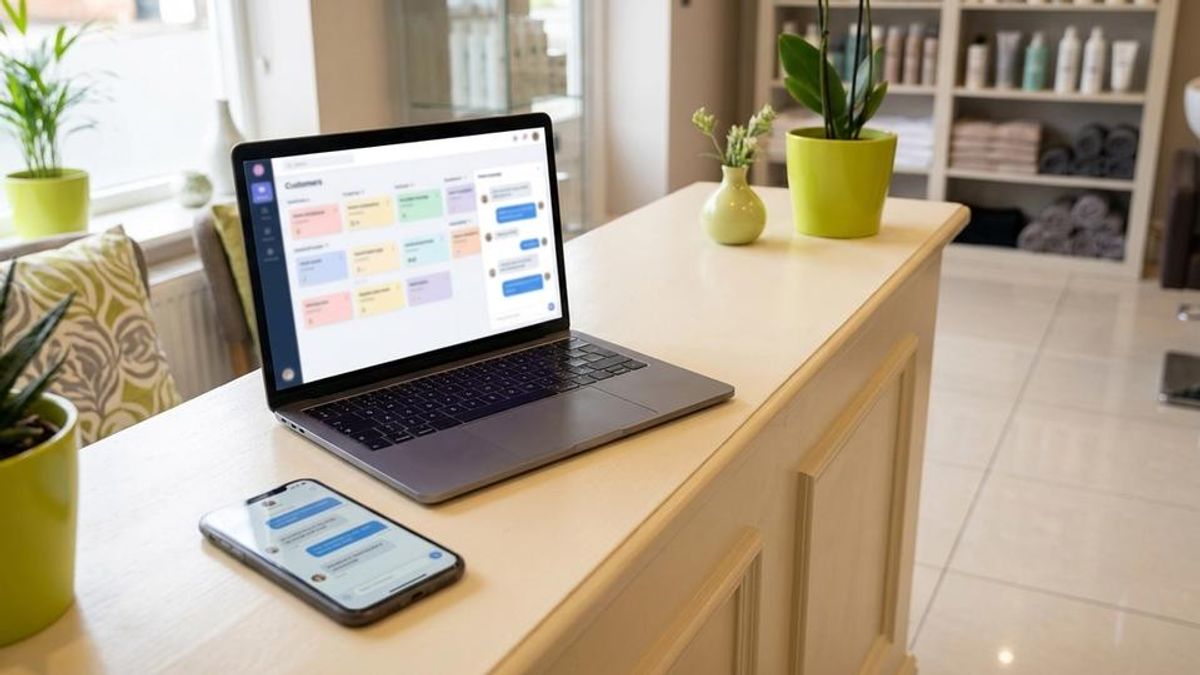
When you compare direct Cloud API onboarding with a business solution provider (BSP), look at who will connect the software, manage integrations and support the team’s daily replies. Direct onboarding suits businesses with technical resource to build and maintain their own connections; a provider can offer a ready-made route into business messaging tools.
Prepare the number, account and migration plan
Before you register, confirm that your business can receive a verification SMS or call on the number. Give the person leading setup access to the relevant Meta business portfolio and administrator permissions, since missing account access can delay onboarding.
Choose whether to move the number to the Business app first or use a supported direct onboarding or coexistence route. Do not deregister or delete the personal account until you have settled on the route and understood what it does with your existing setup.
If you choose the Business app as an intermediate step, use its supported account-transfer flow rather than deleting your personal account first:
- Make a fresh chat backup in WhatsApp and check that you can access the account and phone number.
- Install the WhatsApp Business app, verify the same number and accept the transfer or restore prompt when offered.
- Check that the chats and media you need are present, then add your business profile details. A backup or restore must be compatible with the device and platform in use.
Gather your business display name and contact details, decide who owns customer service, and list the systems the API will connect to. That may include a CRM, booking workflow or other tools used to manage enquiries.
Estimate the operating cost before you switch. Include expected message volumes, applicable message categories, provider charges, integrations and the staff time needed to handle replies and follow-ups.
Prepare for the WhatsApp Business Account (WABA) setup as well as number verification. Meta may request business verification or display name review depending on your account and onboarding route, so keep the correct business information and administrator available.
Understand what happens to chats, contacts and media
An iCloud or Google Drive chat backup protects phone-app data; it does not synchronise conversation history into an API inbox or CRM. A backup can help with a supported phone-app transfer, but it is not an API history import.
Chat history, media, contacts, groups and linked devices can behave differently across migration routes.
- Personal WhatsApp to Business app: A supported in-app transfer or compatible backup restore may bring chats and media into the app. Check that the records you need are present; group conversations remain an app workflow, not an API history import.
- Full API migration: Standard number registration does not turn existing chats or media into live conversations in the API inbox. Keep any required archive separately, and confirm how staff will handle open enquiries.
- Coexistence: Some supported setups offer history or media synchronisation, but availability and scope depend on the route. Review the sync options during onboarding and verify what arrived rather than treating it as a complete archive.
Contacts are a separate issue on every route: phone contacts do not automatically become CRM records unless you configure a contact sync or import. Do not plan on existing group chats appearing in a standard API inbox; confirm any group capability with your provider before designing a workflow around it.
Make a fresh phone backup before changing the account. Decide which business records must be retained, and remember that exported chats can support record keeping but do not become live conversations in the API.
Store any exported conversations securely, restrict staff access and set a retention period. Keep only the records your business needs for a defined purpose rather than holding chat files indefinitely.

Did You Know?
Across 22 global markets, 73.3% of consumers prefer messaging when communicating with a business.
Source: WhatsApp for Business, citing Kantar Business Messaging Usage Research
Run a staged cutover with a fallback
Choose a quieter transition window and name the person responsible for setup. Keep an alternative contact route ready in case customers cannot reach you on WhatsApp while the number or connected tools are being configured.
Complete the selected route in order. Move to the Business app first if your route requires it, then finish API onboarding and number verification through the supported process.
Test inbound and outbound messages with a colleague before you depend on the new setup. Check that replies appear in the right shared workspace, then test each CRM or booking workflow connected to the channel.
Tell customers about any planned interruption in advance. If the number stays the same, keep your published contact details consistent so customers know where to message.
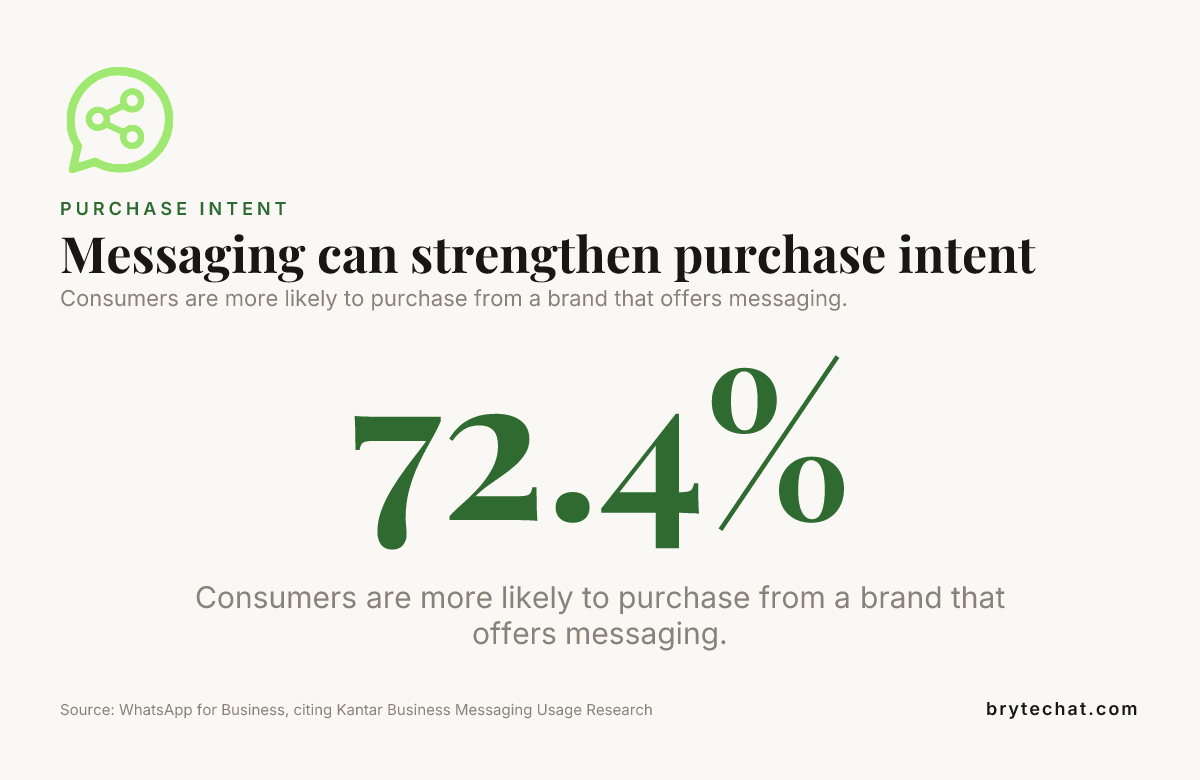
Consumers are more likely to purchase from a brand that offers messaging.
Source: WhatsApp for Business, citing Kantar Business Messaging Usage Research
For local teams that need a shared workspace, BryteChat is a WhatsApp inbox and CRM for local businesses, with a shared team inbox, CRM pipeline, contacts, suggested reply drafts and automations. It suits the cutover stage because staff can manage enquiries together and track leads instead of relying on separate personal phones.
Plan for API workflows, templates and team access
Set rules for assigning conversations, recording useful customer context and handing enquiries between staff. A CRM pipeline gives your team a clear view of new leads, active follow-ups and booked customers.
The BryteChat product roadmap shows that the contacts and pipeline CRM is already live. It fits a team workflow because organised contact records and clear stages help staff keep enquiries moving.
Expect some app-only features, linked-device behaviour and familiar phone workflows to change under a full API migration. Agree how staff will handle those jobs in the connected inbox, CRM or other business tools before the old workflow stops.
Business-initiated messages must follow applicable consent and template requirements. A personal chat history does not give your business permission to send marketing messages, and messages sent outside the relevant customer-service window may require approved message templates.
Set clear rules for customer access and response times. Decide who can view records, how the team handles messages outside opening hours and when a conversation needs to go to a manager or specialist.


Build in UK data protection and privacy safeguards
Give customers clear privacy information explaining how your business uses WhatsApp conversations and contact details. Establish an appropriate lawful basis for each kind of processing, and make sure your messages match what customers have been told.
Limit access to staff who need customer information, use individual accounts where possible and remove access promptly when someone leaves or changes role. Set retention rules for chat records, exports and CRM data, then dispose of records when you no longer need them.
Understand the roles your business and service providers play in processing customer data. Document the arrangements, including a data processing agreement where appropriate.
A Data Processing Agreement (DPA) helps document processor arrangements; BryteChat offers business customers its standard DPA on request by email. This is relevant when you are recording which service providers handle customer information and how those responsibilities are set out.
Did You Know?
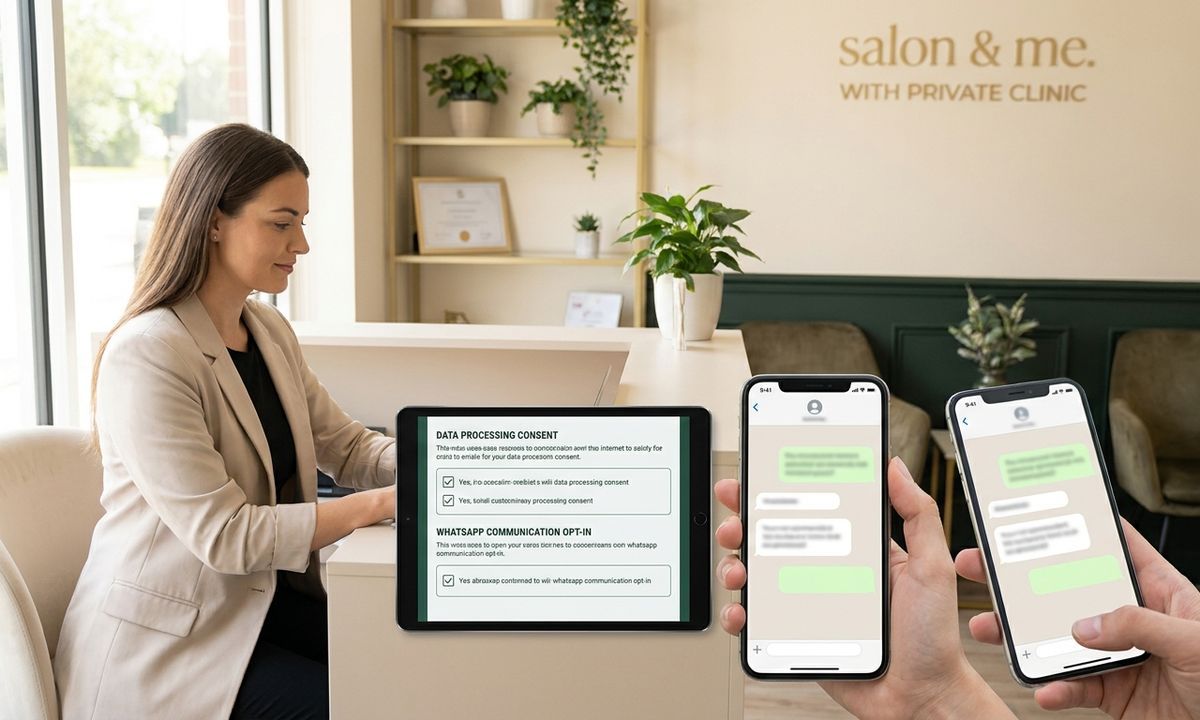
72.4% of consumers are more likely to purchase from a brand that offers messaging.
Source: WhatsApp for Business, citing Kantar Business Messaging Usage Research
Troubleshoot common migration problems
If verification fails, check that the number can receive the selected code and that the person completing onboarding has the right account access. Resolve the cause before restarting registration, or you may repeat the same failure.
If conversations appear to be missing, separate phone backup issues from API message synchronisation. A cloud backup does not itself populate an API inbox, so check which records the selected migration route supports.
If messages fail or reach the wrong team, test inbound and outbound delivery separately. Then check the connection between the API setup and its connected inbox or CRM.
Keep the fallback contact route available until staff have confirmed that customers can reach the business and the team can respond reliably. That gives you a practical way to continue customer service while you resolve a setup issue.
Frequently asked questions
Can WhatsApp Business API get a business number banned?
A migration alone does not automatically ban a number. WhatsApp can restrict accounts that breach its policies, so keep messages relevant, respect customer choices and avoid spam-like sending patterns.
Can I switch back to the WhatsApp Business app after moving a number to the API?
A return to the app may require removing the number from the API setup and registering it through a supported app process. The steps depend on your provider and account route, so agree how to reverse the move before onboarding.
How long does it usually take to migrate a number to the WhatsApp Business API?
There is no single guaranteed migration time for every UK SME. Verification, account checks and the onboarding route affect the duration, so ask the provider handling your setup for a schedule based on your account.
Can a small business use the API without building its own software?
Yes. A small business can use an API-connected inbox or CRM provided by a platform or BSP rather than build a messaging system itself. Choose a tool that gives your staff the workspace and integrations they need.
Do customers need to download anything when my business moves to the API?
No, customers can continue using WhatsApp to message your business. They do not need to install your CRM or learn a new customer-service app.
Can one WhatsApp Business Account use more than one phone number?
A WABA can be set up with multiple phone numbers, subject to Meta’s account limits and eligibility. Give each number a clear purpose and route incoming messages to the right team.
Conclusion
Migrating from personal WhatsApp to WhatsApp Business API for UK SMEs works best when you choose the route before touching the number, protect the records you need and test the team workflow before cutover. Build in verification access, customer privacy, templates, staff ownership and a fallback route from the start.
Move beyond personal phones when your business needs shared visibility. Put the right inbox and CRM workflow in place, then keep every enquiry moving towards a useful reply and a booked customer.