


Best Shared WhatsApp Inbox for Multi-Location UK Beauty Businesses
A shared WhatsApp inbox for multi-location UK beauty businesses gives your team one place to handle client conversations across branches. Choose a setup that makes it clear which location a client wants, who owns the chat and what happens next.
Key Takeaways
- Can business WhatsApp be shared? Linked devices can provide shared access, but a managed team inbox adds structure for ownership, permissions and oversight.
- One number or several? Use one central number for a consistent client contact, or branch numbers when clients and teams need a clear local route.
- How should enquiries be routed? Ask for the preferred branch when it is unclear, then route by location, service and enquiry type.
- What should a team inbox include? Prioritise conversation assignment, role-based access, internal notes and visible chat history.
- What does a WhatsApp CRM add? BryteChat’s WhatsApp-first CRM brings a shared inbox, contacts and a pipeline together for local businesses.
- For more ideas on customer messaging, browse BryteChat’s guides for local businesses.
What a shared inbox does, and when the Business app is enough
A shared inbox brings customer messages into a place where a team can respond. A managed team inbox adds operational controls, such as conversation ownership, staff permissions and a record of who handled a chat.
Linked devices can let more than one person access a WhatsApp Business account. But access alone does not create clear assignment, location routing or management oversight, so a message can still sit unanswered or receive competing replies.
The WhatsApp Business app can suit a solo owner or a small team with straightforward conversations. When you need structured multi-agent access and team workflows, the WhatsApp Business Platform, also called the WhatsApp Business API, is commonly used with an inbox platform.
BryteChat is a WhatsApp inbox and CRM for local businesses, including salons and clinics. It brings a shared team inbox, contacts, a pipeline and suggested reply drafts together, making it a practical starting point for teams that want to manage conversations and lead status in one place.
Here is a look at a team inbox in use, alongside a local business owner replying to a customer.

Keep the distinction simple: the app provides access, while a managed team inbox helps you run the work. If staff currently reply from personal phones, you lack shared visibility into who has answered, what they promised and whether a booking needs attention.
Choose one central number or a number for each location
A central number gives clients one recognisable contact and makes it easier for staff to cover one another. Your team still needs a reliable way to find out which branch the client wants.
Location-specific numbers make branch choice explicit. They can suit salons and clinics where appointments, teams or services are managed locally, but cover and conversation continuity become harder when a client contacts a different branch.
- With one number: Ask for the preferred branch early, then route the conversation by location and service.
- With separate numbers: Keep branch names and contact routes clear everywhere clients find them, including appointment messages and local profiles.
If a client does not name a branch, use a standard prompt: “Which location would you like to visit?” Do not guess from their phone number or send the chat to whoever happens to be free.
Choose the arrangement that matches how your team actually handles appointments. A single WhatsApp inbox for several beauty branches can make cover simpler, but only when staff can quickly establish the right location.
Route booking enquiries and handovers with clear ownership
Set routing rules around the details that change who can help: location, service and enquiry type. Assign every conversation to a named owner or team so no one assumes somebody else will reply.
For a booking enquiry, capture the requested branch, treatment and preferred time. Use your booking system to check availability and confirm the appointment; the inbox manages the conversation, while the booking system remains the appointment record.
Keep customer records aligned where your CRM integration or workflow allows it. Pass useful details, such as branch and appointment status, between systems without treating the chat history as a substitute for the booking calendar.
Route cancellations and rescheduling requests to the team that can update the booking. If that team is unavailable, tell the client what will happen next and who will follow up.
For a cross-branch handover, pass on only the context needed to resolve the request, identify the new owner and tell the client that the conversation has moved. This keeps the transfer clear without inviting several branches to reply at once.
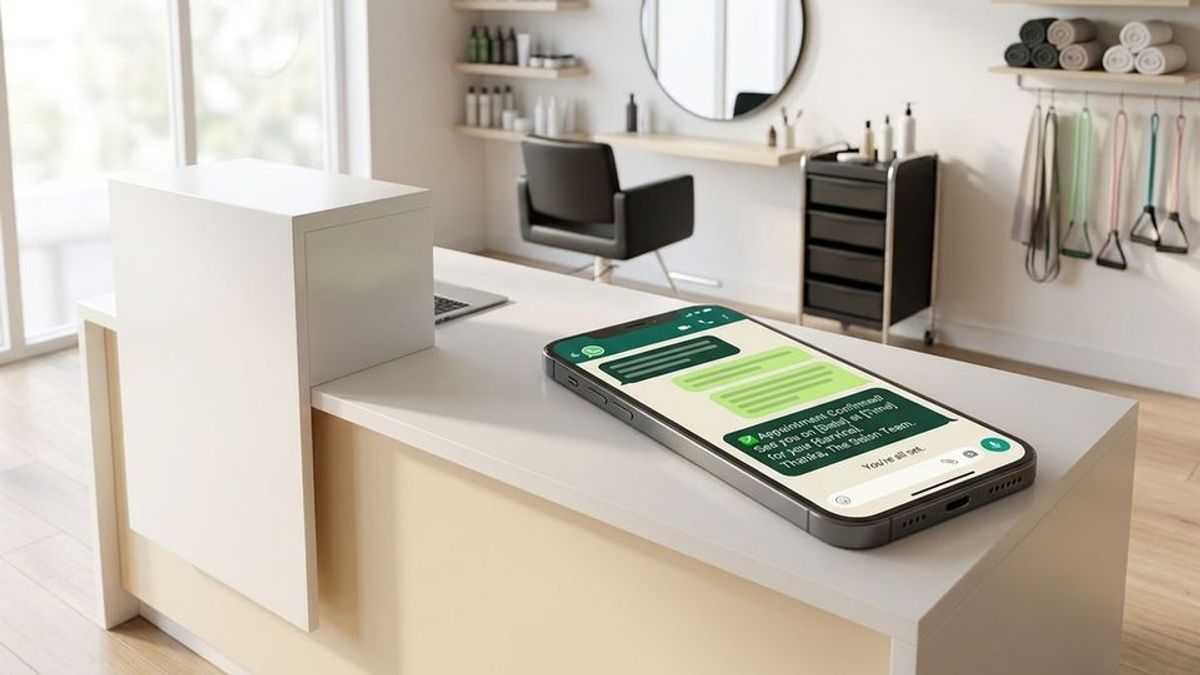
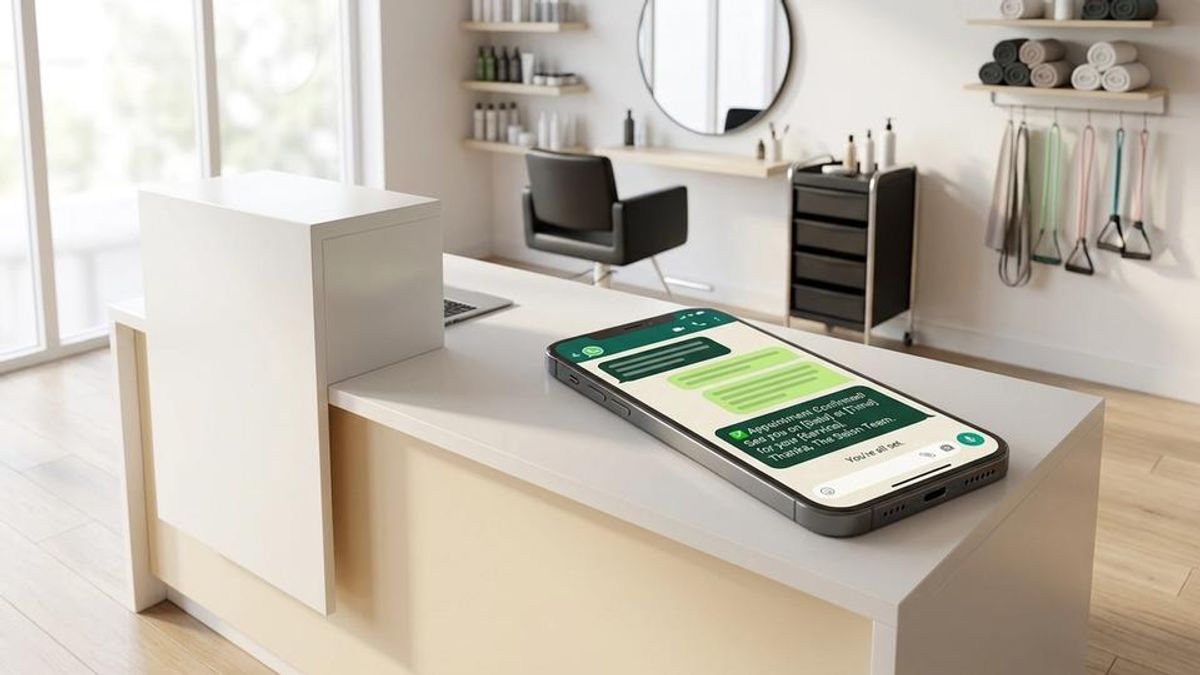
Make booking conversations easier to manage by treating confirmations, cancellations and reminders as distinct tasks.

Did You Know?
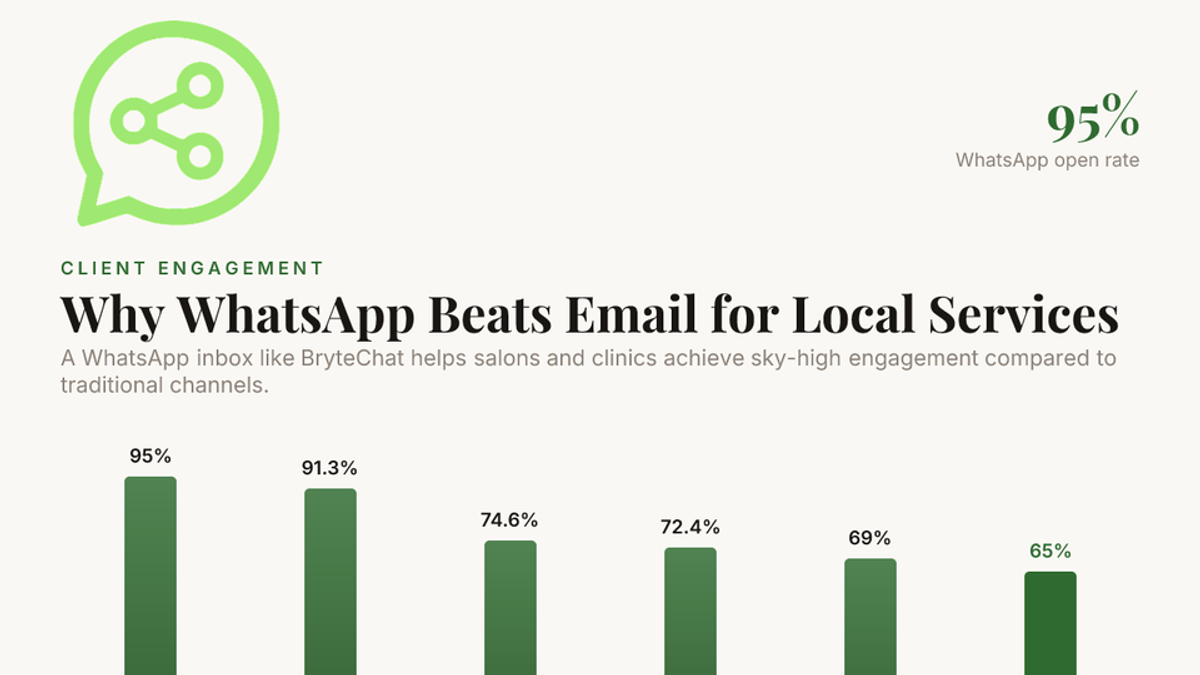
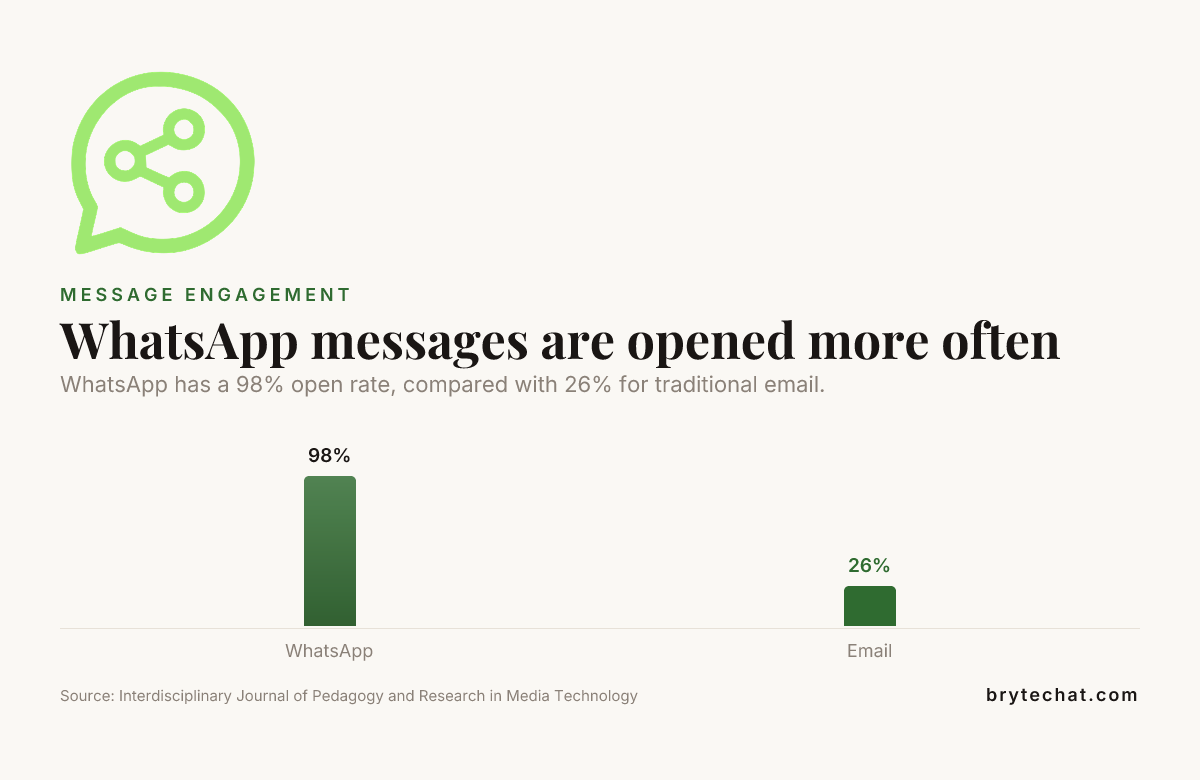
WhatsApp has a 98% open rate, compared with 26% for traditional email.
Source: Interdisciplinary Journal of Pedagogy and Research in Media Technology
Compare collaboration tools that matter on a busy salon day
Prioritise conversation assignment, role-based access, internal notes and visible chat history. These tools help staff see who is responding and what the client and team have already agreed.
Use saved replies for recurring questions about preparation, opening hours and appointment policies. Personalise the branch, service and date before sending, so a convenient template does not create a confusing answer.
Keep handover notes factual and concise. Avoid copying unnecessary treatment or health details into a conversation that more staff can access.
BryteChat’s shared WhatsApp inbox is live, alongside contacts, a pipeline and editable suggested reply drafts. Those capabilities suit teams that want conversations and lead details together; build your location rules around the way your branches allocate work.
Check how well your setup supports everyday work, not just how many features it lists. Track unassigned chats, first response times, handovers between branches and enquiries that turn into bookings, then use those patterns to improve cover and routing.
Plan replies, templates and follow-ups around WhatsApp’s rules
On the WhatsApp Business Platform, the customer service window generally allows free-form replies for 24 hours after the customer’s last message. Outside that window, businesses need an approved template for eligible business-initiated messages.
Use templates for suitable operational follow-ups, such as a booking reminder, and keep every detail accurate and relevant. For marketing messages, collect and respect the appropriate opt-in and any later opt-out.
An inbox can help staff draft and route replies, but it does not check appointment availability or complete a booking unless it connects to a booking workflow. Keep the booking team’s process clear, especially when a client asks about a time-sensitive appointment.
Automate simple acknowledgements only when the client has a clear route to a person. Treatment questions, cancellations and requests that need judgement should reach a staff member who can respond appropriately.
Suggested reply drafts can reduce typing, but staff should review them before sending. A draft is a starting point, not a confirmation that a treatment is suitable or a slot is available.
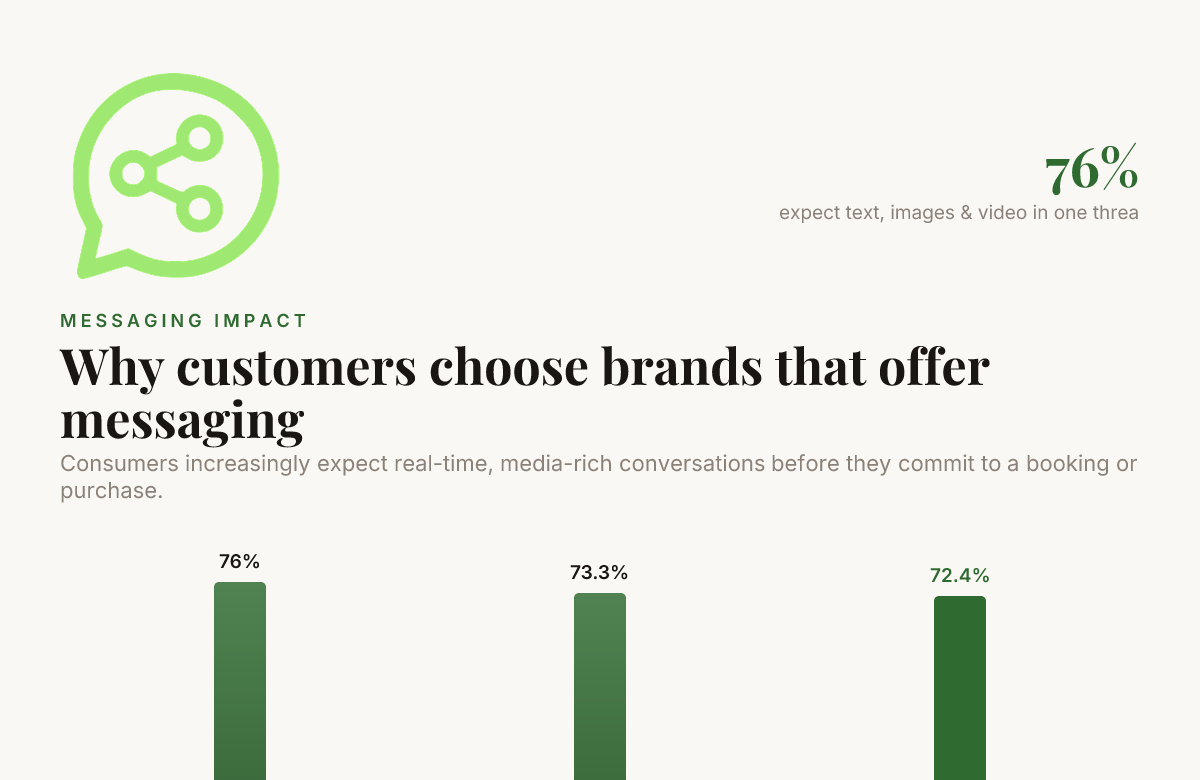
Keep the client-facing message focused on the next step, whether that is sharing a preferred appointment time or waiting for a member of staff to reply.
Source: Interdisciplinary Journal of Pedagogy and Research in Media Technology
Set privacy, access and records rules for every branch
Collect only the client details you need to answer an enquiry or manage an appointment. Health details can be sensitive personal data, so take particular care with treatment information and avoid asking for more than the service requires.
Limit access by role and business need, and agree who can view conversations across branches. Remove access when staff leave or change roles, and review who can still sign in from a connected device.
Set a retention period and deletion process that fit the business purpose and legal obligations. Keep a proportionate record of decisions and handovers, rather than retaining every chat indefinitely.
Separate service messages from marketing. Record and respect marketing preferences and opt-outs, and give staff a clear process for handling privacy requests.
For practical details about data handling, read BryteChat’s GDPR and data protection information. Use your own policies to decide how staff should manage client conversations across locations.
Did You Know?
WhatsApp has more than 2.78 billion unique monthly active users around the world.
Source: Interdisciplinary Journal of Pedagogy and Research in Media Technology
Choose a plan and roll out the inbox in phases
Compare user capacity, contact limits, support and workflow needs against the number of staff who will actually handle messages. Do not choose on feature count alone; include any messaging charges or integration costs in your operating budget.
Growth is £79; Pro is £149.
Start with one location or a small pilot team. Test branch routing, staff permissions, handovers, out-of-hours messages and what happens when a conversation has no owner.
Before expanding, deliberately test missed or misrouted enquiries. Agree a fallback owner for staff absence, technical problems and messages received outside opening hours.
- Send test enquiries for different branches and services.
- Check that the right team can see and respond to each conversation.
- Test a handover, a cancellation and a message received after closing.
- Confirm who picks up any conversation left without an owner.
A phased rollout gives you time to fix routing and access problems before every branch depends on the inbox. Set a review date after the pilot and use actual conversations to refine the workflow.
Frequently Asked Questions
Can a beauty business move its existing WhatsApp number to a team inbox?
A number can often be migrated to a WhatsApp Business Platform provider, but the steps depend on the account setup and provider. Plan a cutover and tell clients where to message if the transition interrupts replies.
What should happen to client conversations when a member of staff leaves?
Move any open enquiries to a current owner before closing the staff member’s access. Keep the business’s useful appointment and handover records in business-controlled systems rather than relying on an employee’s personal device.
How long should a salon or clinic keep WhatsApp conversation records?
There is no single retention period that suits every conversation. Set different review points for routine enquiries, appointment administration and complaints, then delete or archive records when their purpose and applicable obligations allow.
Should clients use WhatsApp for urgent questions about a treatment or a possible reaction?
Do not present WhatsApp as an emergency service or the only route for an urgent reaction. Give clients a direct urgent contact route, and advise anyone facing a severe or rapidly worsening reaction to contact emergency medical services.
How can clients tell which beauty branch is replying?
Identify the branch in the first reply and use a consistent team sign-off for that location. This helps a client recognise which clinic or salon is handling the conversation when the same number serves several branches.
Conclusion
The best shared WhatsApp inbox for multi-location UK beauty businesses combines clear ownership, sensible location routing and privacy rules your team can follow on a busy day. Choose the number setup that fits your branches, keep booking availability in the booking system and pilot the workflow before rolling it out across every location.
Turn WhatsApp messages into booked customers with a team process that makes the next step clear. Track every enquiry, hand over conversations deliberately and give each client a reply that fits the branch and service they need.